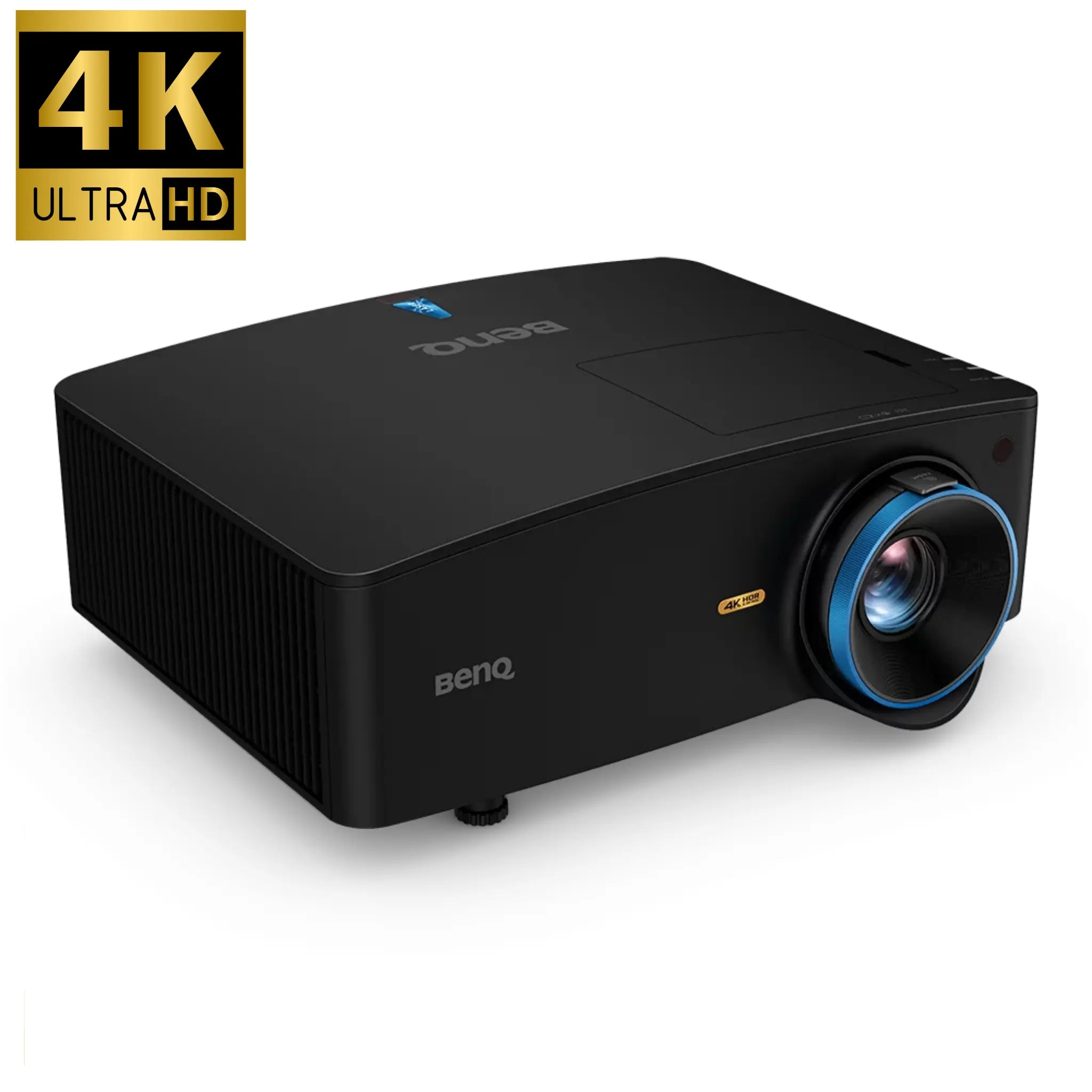
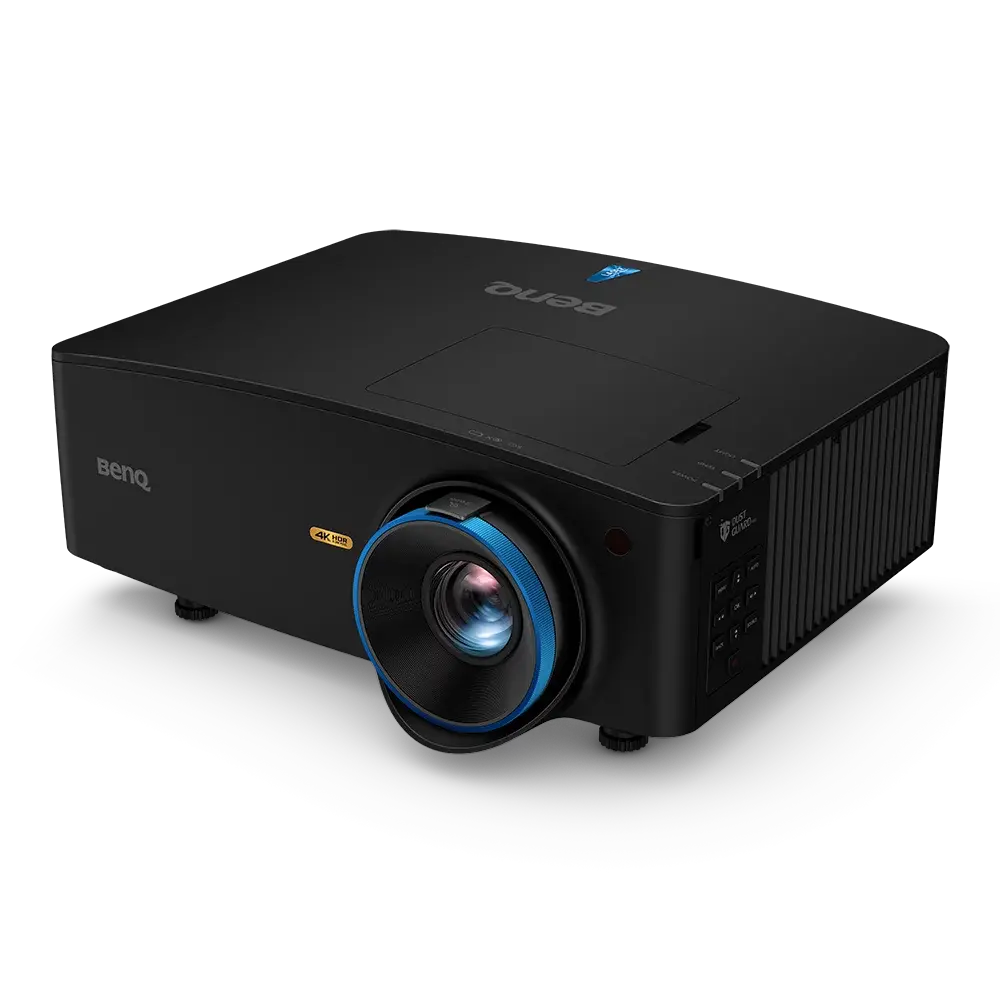
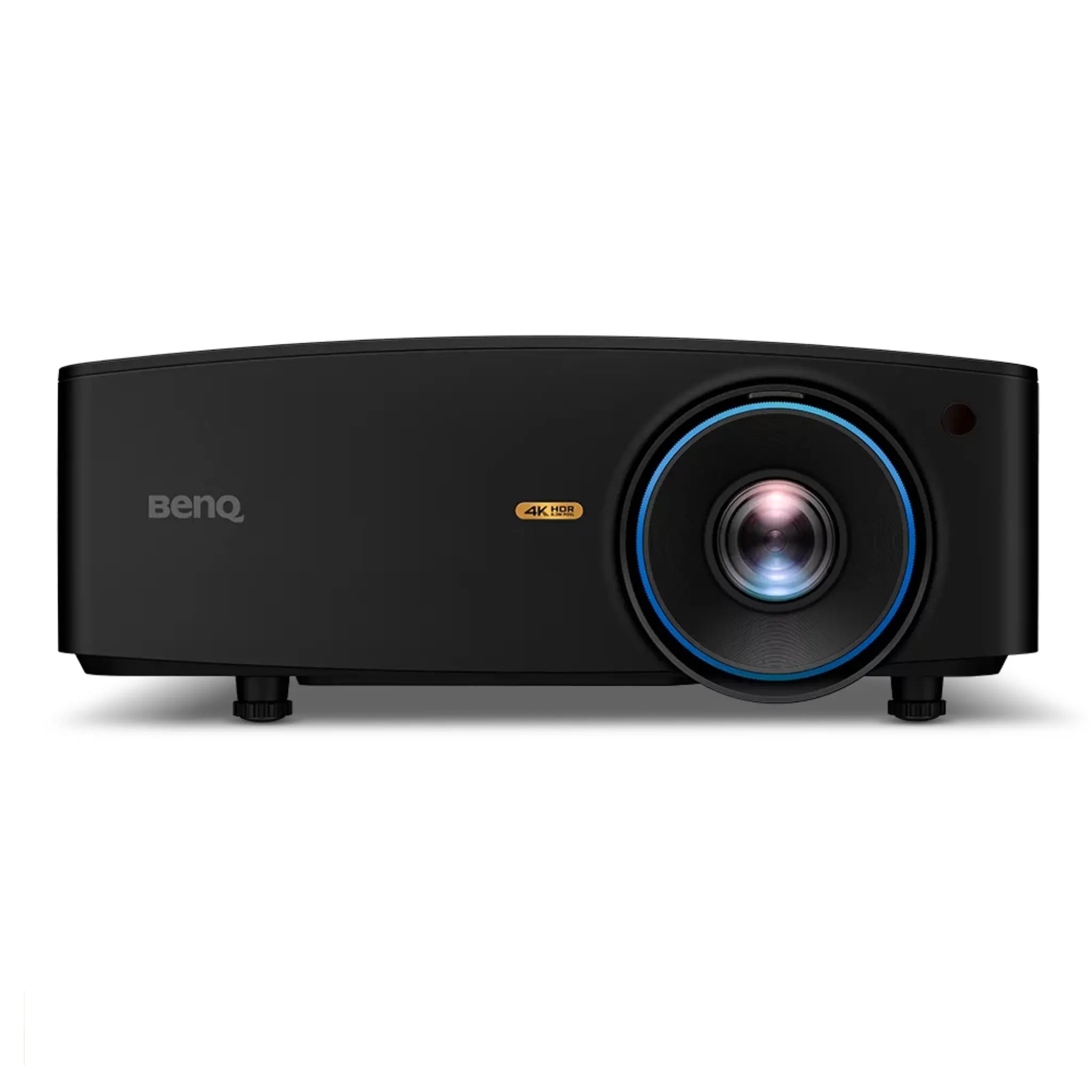
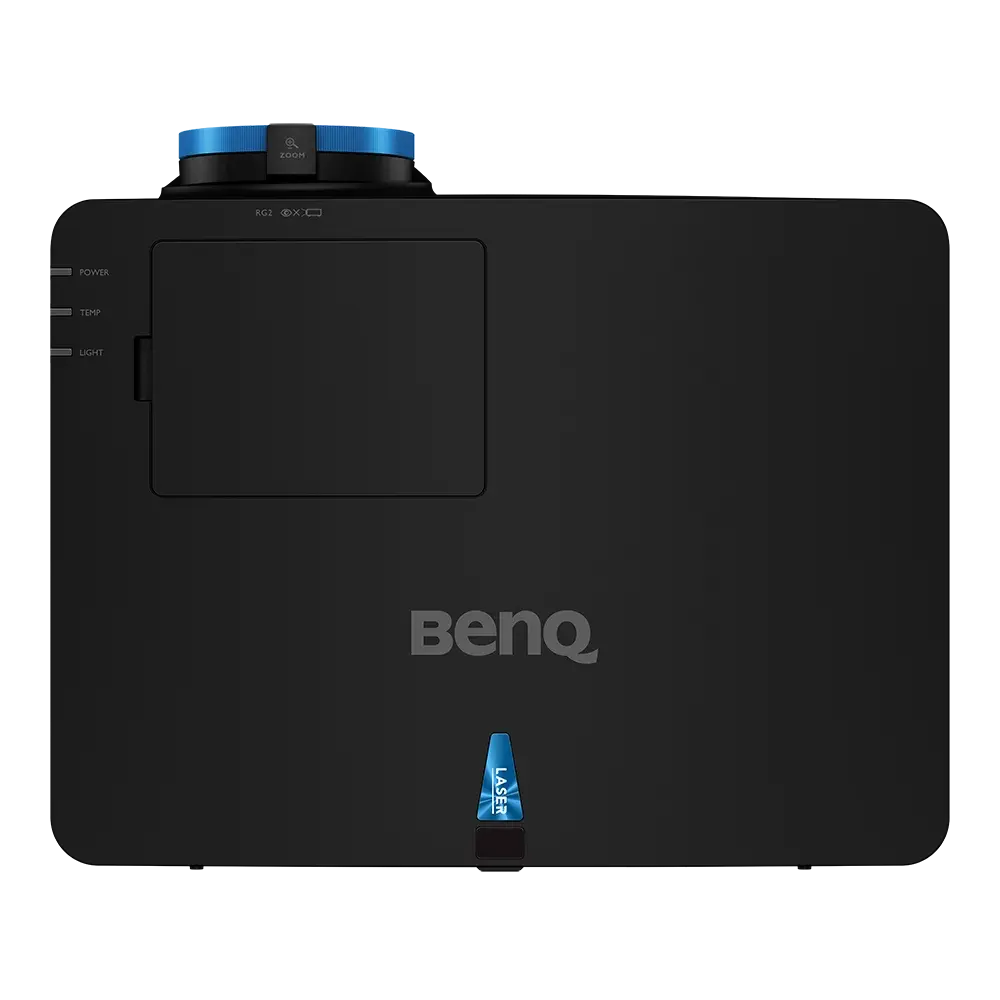
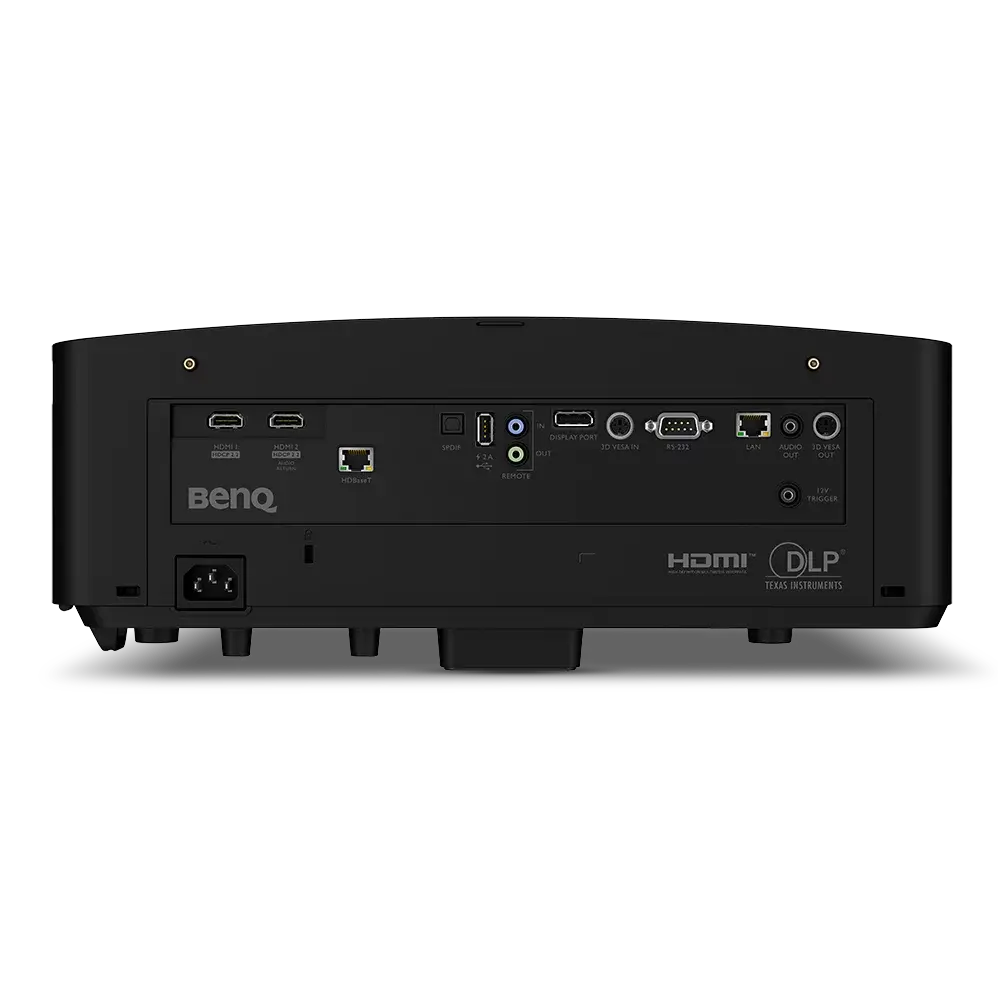


BenQ LK936ST - 4K UHD Short-Throw Golf Simulator Projector | 5,100 Lumens
The Premium Dual-Purpose Golf Simulator and Home Theater Projector.
The BenQ LK936ST is BenQ's flagship golf simulator projector — brighter, more flexible, and more capable than any projector in the lineup below it. With 5,100 ANSI lumens of laser brightness, a 0.81–0.89 short throw ratio, and an industry-leading ±60% vertical / ±23% horizontal lens shift, it's the projector that fits where others can't, performs where others fade, and doubles as a stunning home theater when the round is over.
Where the LK830ST is built for tight spaces and floor mounting, the LK936ST is engineered for ceiling-mount and overhead installations — the most common configuration in dedicated simulator rooms, custom builds, and commercial bays. From 14 to 15 feet away, it fills a screen nearly 10 feet tall. And because the lens shift is optical rather than digital, shifting the image to compensate for an off-center mount introduces zero distortion and zero resolution loss — something keystone correction alone can't deliver.
BenQ calls it a "sim-theater" projector, and the description is earned. The LK936ST is the projector you buy when you want the golf simulator to run in the morning and a 4K HDR movie theater to take over at night — without touching a setting, moving a piece of equipment, or making any compromises on either experience.
Key Benefits
- ✔ 5,100 ANSI Lumens Laser Brightness — The brightest projector in BenQ's golf lineup; fills large screens in rooms with ambient lighting or windows
- ✔ True 4K UHD Resolution (3840 × 2160 / 8.3M pixels) — Four times the detail of 1080p; every fairway texture, bunker edge, and flag rendered with clarity
- ✔ ±60% Vertical / ±23% Horizontal Optical Lens Shift — Mount off-center or above the screen line without distortion; no resolution penalty
- ✔ 0.81–0.89 Short Throw Ratio with 1.1x Zoom — Projects a 10-foot-tall image from just 14–15 feet; ideal for ceiling mounting in dedicated sim rooms
- ✔ 20,000-Hour Laser Life (30,000 in ECO mode) — No bulbs, no fading, no maintenance; instant-on from any temperature
- ✔ IP5X-Sealed Laser Engine — Dustproof, filterless; built for the garage, basement, or commercial bay environment
- ✔ Exclusive Golf Mode — BenQ's color preset engineered for golf software; corrects purple fringing, boosts greens and blues for natural, immersive course visuals
- ✔ 92% Rec.709 Color Accuracy — Cinematic-grade color reproduction for both golf software and home theater content
- ✔ HDR10 + HLG Support — Full high dynamic range for both golf content and home entertainment
- ✔ 3D Keystone ±40° + Corner Fit + Digital Shrink & Shift — Every image correction tool you need for a flawless installation
- ✔ HDBaseT Connectivity — Transmit 4K video, audio, RS-232, and LAN control up to 100m over a single cable; ideal for clean, permanent installations
- ✔ eARC + S/PDIF 5.1 Surround Sound Output — Connect a soundbar or AV receiver for full home theater audio with a single cable
- ✔ 3,000,000:1 Contrast Ratio — Deep blacks and brilliant highlights for both sim play and cinematic viewing
- ✔ 360° and Portrait Projection — Ceiling, floor, wall, angled surfaces — the LK936ST projects in any orientation
- ✔ Home Automation Integration — Control via RS-232, HDBaseT, or LAN; compatible with most home automation platforms
Who Is This For?
- ✅ Dedicated simulator room builders doing a full ceiling-mount installation who need maximum brightness, maximum installation flexibility, and no compromises on image quality
- ✅ Golfers with rooms larger than 14 feet deep who can take advantage of the 0.81–0.89 throw ratio for a properly ceiling-mounted overhead setup
- ✅ Off-center installations — if your ceiling mount can't land on the screen's center line, the ±60% vertical and ±23% horizontal optical lens shift solves the problem without image distortion
- ✅ Dual-use sim and home theater setups — the LK936ST pairs Golf Mode with HDR10, HLG, and eARC to serve both use cases at the highest level
- ✅ Commercial golf center operators who need maximum brightness for bays with overhead lighting they can't fully control
- ✅ High-end residential builds paired with SIG10 or SIG12 enclosures where image quality is non-negotiable
LK936ST vs. LK830ST — Which Is Right for Your Setup?
| LK830ST | LK936ST | |
|---|---|---|
| Brightness | 4,000 lumens | 5,100 lumens |
| Throw Ratio | 0.5 (ultra short throw) | 0.81–0.89 (short throw) |
| Best Mount | Floor mount | Ceiling mount |
| Lens Shift | None | ±60% V / ±23% H |
| Zoom | Fixed | 1.1x manual zoom |
| Room Depth Needed | ~4–6 ft throw | ~10–16 ft throw |
| Home Theater Use | Sim-focused | Dual-purpose sim + theater |
| HDBaseT | No | Yes |
| S/PDIF / eARC | No | Yes |
| IP Rating | IP6X | IP5X |
Not sure which to choose? The LK830ST is ideal for tight spaces and floor mounting. The LK936ST is the right call for ceiling-mount installations, larger rooms, off-center placements, and setups that double as a home theater.
Throw Distance Reference
At a 0.81–0.89 throw ratio with 1.1x zoom, the LK936ST can produce the following approximate image sizes:
| Throw Distance | Approx. Image Width | Approx. Image Height (16:9) |
|---|---|---|
| 10 feet | ~11–12 feet | ~6–7 feet |
| 12 feet | ~13–15 feet | ~7–8 feet |
| 14 feet | ~16–17 feet | ~9–10 feet |
| 16 feet | ~18–20 feet | ~10–11 feet |
Use BenQ's free Golf Sim-Room 3D Planner for exact measurements tailored to your space and screen size.
Screen Compatibility & Pairing Notes
The LK936ST is fully compatible with all Golf Sim Depot impact screens and SIG Studio enclosures. Because of its 0.81–0.89 throw ratio, it requires more room depth than the LK830ST. Recommended pairings:
| Enclosure / Screen | Screen Width | Recommended Throw Distance |
|---|---|---|
| SIG10 Studio (10'1" screen) | 10'1" | ~8–9 feet |
| SIG12 Studio (11'5" screen) | 11'5" | ~9–10 feet |
The SIG8's 7'7" screen can be paired with the LK936ST but requires confirming room depth allows sufficient throw distance. Contact our team for a free setup consultation.
Technical Specifications
| Specification | Detail |
|---|---|
| Resolution | 4K UHD — 3840 × 2160 (8.3 million pixels) |
| Brightness | 5,100 ANSI Lumens |
| Light Source | Laser (Blue Core) |
| Laser Life | 20,000 hours (Normal) / 30,000 hours (ECO) |
| Contrast Ratio | 3,000,000:1 |
| Display Color | 30-bit (1.07 billion colors) |
| Color Gamut | 92% Rec.709 |
| Native Aspect Ratio | 16:9 (16:10, 4:3, Auto, Real selectable) |
| DLP System | Single 0.47" 4K DMD (DC3 chip) |
| Throw Ratio | 0.81–0.89 |
| Zoom Ratio | 1.1x (manual) |
| Lens Shift Vertical | ±60% |
| Lens Shift Horizontal | ±23% |
| Keystone Adjustment | 3D — Vertical ±40°, Horizontal ±40°, Rotation ±40° |
| Corner Fit | Yes |
| Digital Shrink & Shift | Yes — shrink to 75% in 0.5% increments; shift without reinstalling |
| Projection Size | 30"–300" |
| Projection Offset | 0% |
| 360° Projection | Yes — ceiling, floor, wall, angled surfaces |
| Portrait Mode | Yes |
| Picture Modes | Golf, 3D, Bright, DICOM SIM, Infographic, Presentation, sRGB, Video, User 1, User 2 |
| HDR Support | HDR10, HLG, Auto HDR Color Rendition |
| Input Lag | 16.7ms at 1080p / 4K @ 60Hz |
| Dust Protection | IP5X Sealed Laser Engine — filterless |
| Video Inputs | 2× HDMI 2.0 (HDCP 2.2), 1× DisplayPort 1.2a |
| HDBaseT | Yes — 4K video, audio, RS-232, LAN up to 100m on single cable |
| Audio Output | S/PDIF (5.1 surround), eARC |
| Built-In Speaker | 10W |
| Control | RS-232, LAN, HDBaseT; home automation compatible |
| 4K Upscaling | Yes — all inputs upscaled to 4K |
| Weight | ~15.4 lbs (7 kg) |
| Warranty | 3 Years |
What's Included
- BenQ LK936ST 4K Laser Short-Throw Projector
- Power Cord
- Remote Control
- Quick Start Guide
What's NOT Included
- Ceiling mount or projector bracket (required for overhead installation; sold separately)
- HDMI or DisplayPort cable (required; not included)
- HDBaseT transmitter/receiver (required for HDBaseT runs; sold separately)
- Simulator computer / PC
- Launch monitor
- Impact screen or enclosure (see Golf Sim Depot's SIG Studio packages)
- Simulator software license
Installation Requirements
- Requires approximately 10–16 feet of throw distance depending on desired screen size — confirm using BenQ's 3D Planner tool
- Designed for ceiling mounting above and behind the hitting area; 360° installation support means it can also be floor-mounted, wall-mounted, or angled
- The ±60% vertical / ±23% horizontal optical lens shift allows off-center mounting without image distortion — no need to land the projector exactly on the screen's center line
- Use 3D keystone and Corner Fit for any remaining geometry adjustments after lens shift is applied
- HDBaseT allows clean single-cable runs up to 100m from the simulator PC to the projector — ideal for permanent installs with the PC in a closet or equipment rack
Shipping & Returns
The BenQ LK936ST ships via standard ground carrier. Most orders process within 1–3 business days with delivery in 3–7 business days. Inspect the package for shipping damage before signing for delivery — projectors are precision optical instruments.
Returns are accepted within 30 days of delivery for items in original, unmodified condition. Contact Golf Sim Depot support before initiating any return. Projector defects are handled under BenQ's 3-year manufacturer warranty.
Frequently Asked Questions
What's the key difference between the LK936ST and the LK830ST?
The LK830ST has a 0.5 ultra-short throw ratio — designed for floor mounting in tight spaces with as little as 4–5 feet of throw distance. The LK936ST has a 0.81–0.89 throw ratio, meaning it needs more room depth (10–16 feet typically) but delivers 1,100 more lumens, a large optical lens shift for off-center mounting, zoom capability, HDBaseT, and full home theater audio support. The LK830ST is for tight spaces and floor mounts; the LK936ST is for ceiling mounts in dedicated rooms.
Why does optical lens shift matter more than keystone correction?
Keystone correction is digital — it compensates for an angled image by cropping and stretching pixels, which reduces effective resolution and can soften the image. Optical lens shift physically moves the lens to shift the image, maintaining full 4K resolution with zero distortion. When mounting a projector off-center from your screen, always use lens shift first, then apply minimal keystone if any additional correction is needed.
Can I use the LK936ST in my garage simulator?
Yes, if your garage is deep enough. Most two-car garages are 20+ feet deep, which gives plenty of room for the LK936ST's throw ratio. Measure from your planned ceiling mount position to the screen and confirm throw distance using BenQ's planner before purchasing. The IP5X sealed engine handles garage humidity and dust.
Does Golf Mode make a real difference?
Yes — especially on impact screens. Golf simulator screens are designed to stop a ball, not optimize image color. BenQ's Golf Mode compensates for the way impact screen material absorbs and diffuses light by boosting the blue and green channels and correcting the purple fringing that laser projectors can exhibit. The result is noticeably more natural-looking fairways, sky, and rough compared to using a generic picture mode.
How does the home theater performance compare to a dedicated home theater projector?
At 5,100 lumens, the LK936ST is significantly brighter than typical home theater projectors (which usually target 1,500–2,500 lumens). In a dark room, that extra brightness means you'll need to turn the lamp power down. In any room with ambient light, it's a major advantage. The 92% Rec.709 color accuracy, HDR10, HLG, eARC, and 3,000,000:1 contrast ratio all deliver a genuinely excellent home theater experience — just calibrate your picture mode for the room conditions.
What does HDBaseT do and do I need it?
HDBaseT lets you run 4K video, audio, RS-232 control, and LAN signals from your simulator PC to the projector over a single Cat5e/Cat6 ethernet cable — up to 100 meters (328 feet). For clean permanent installations where you want the PC in a closet or adjacent room with no visible cables running to the projector, HDBaseT is the professional's choice. You'll need a compatible HDBaseT transmitter (sold separately) at the PC end.
What's the warranty?
The BenQ LK936ST carries a 3-year manufacturer warranty. Contact Golf Sim Depot support for any warranty claims and we'll coordinate with BenQ on your behalf.
Choose options


BenQ's flagship. More lumens. More flexibility. No compromises.
1,100 lumens brighter than any other BenQ golf simulator projector. If your bay has windows, overhead lights you can't fully kill, or you're building a commercial space where the lights stay on — this is the projector that handles it without washing out the image.
The LK936ST shifts the image up to 60% vertically and 23% horizontally without touching the projector. If ceiling obstructions, beams, or room geometry prevent a perfectly centered mount, lens shift moves the image to fill your screen without digital keystone softening. A feature no other BenQ golf projector offers.
3840×2160 with 8.3 million pixels and 92% Rec.709 color accuracy. Golf Mode corrects color fringing specifically for course simulation — accurate greens, true-to-life blues, no purple fringing that cheaper projectors show in golf software.
Run 4K video, audio, RS-232, and LAN control through a single RJ-45 cable up to 328 feet. For permanent installs in garages, basements, or commercial bays where running multiple cables is impractical, HDBaseT makes the wiring clean and simple.
Connect a compatible soundbar or AV receiver via eARC for immersive surround sound — one cable handles video and audio together. When you're done golfing, it doubles as a premium home theater projector.
IP5X dustproof sealed engine runs reliably from 32–104°F with no filter replacements. The laser light source is rated for 20,000 hours — years of daily use with no maintenance, no bulb costs, no degradation in brightness or color.
The numbers
How far back does it need to sit?
Ports & connections
In the box
- BenQ LK936ST Projector
- Power Cord
- HDMI Cable
- Remote Control
- Batteries (for remote)
- Quick Start Guide & Documentation
