

Best Golf Simulators by Budget (2026): What Your Money Actually Gets
The single most common question we get is also the hardest to answer in one line: "How much does a golf simulator cost?" The honest answer is anywhere from about $800 to $50,000 — because a "golf simulator" can mean a launch monitor you swing into a net in the garage, or a fully finished studio with overhead tracking, a premium impact screen, and a 4K projector.
So instead of a single price, this guide walks the four budgets people actually shop in — Under $2,000, $2,000–$5,000, $5,000–$10,000, and $10,000+ — and tells you honestly what your money gets at each level, with real builds and real 2026 prices. No hype, no "you need the most expensive thing." Just where the value is.
Budget at a Glance
| Budget | What it buys | Best for | Example starting point |
|---|---|---|---|
| Under $2,000 | A launch monitor + mat + net. Play on your phone, tablet, or TV. | Getting real data and reps without a full room build. | Rapsodo MLM2PRO — $699.99 |
| $2,000–$5,000 | Your first full simulator: monitor, enclosure, screen, projector. | A complete, projected setup in a spare room or garage. | Rapsodo MLM2PRO Essential Kit — $2,598.93 |
| $5,000–$10,000 | Overhead tracking and/or a matched complete package. | Serious golfers who want pro-level data and a finished bay. | VTrack Package — from $6,999 |
| $10,000+ | The no-compromise room — premium everything, spec'd end to end. | The dream bay you'll keep for a decade. | ProTee VX SIG12 Complete — from $10,099 |
Under $2,000, you're not building a finished, projected studio — and that's fine. This budget gets you the thing that matters most: a real launch monitor putting accurate numbers on every swing. Pair it with a mat and a net (or a bare wall in the garage) and play on your phone, tablet, or TV. It's the smartest way to start, because the monitor comes with you when you upgrade the room later.
Example build — "Play tonight"
| Rapsodo MLM2PRO launch monitor (runs on your phone) | $699.99 |
| Hitting mat (e.g. Fairway Series or SIGPRO 3D 5×5) | $549–$599 |
| Hitting net or DIY barrier | ~$300 |
| Approx. total (no PC needed) | ~$1,600 |
Want more monitor to grow into? The SkyTrak ST MAX is on sale at $1,995.99 (regularly $2,995) — a photometric monitor that slots into a full enclosure later without you re-buying the brain of the system.
What you get
- Accurate, real launch-monitor data
- No gaming PC required (phone/tablet)
- Portable — take it to the range
- The monitor carries into any future upgrade
What you compromise
- No projected screen — you watch on a device/TV
- Fewer data points than premium monitors
- A net isn't as immersive as an enclosure
- Course play depends on the monitor's app
This is where it becomes a simulator — a monitor, an enclosure, an impact screen, and a projector, all working together in a spare room or garage. The sweet spot here is a matched Essential Kit, because it bundles the parts and guarantees they fit, or a mid-tier monitor you build a room around.
Example build A — "Complete, phone-powered" (no PC)
| Rapsodo MLM2PRO Essential Kit — monitor + Carl's DIY enclosure + borderless screen + BenQ projector | $2,598.93 |
| All-in, runs on your own iOS/Android device | $2,598.93 |
Example build B — "Step-up data"
| GolfJoy Spica 3 launch monitor | $3,199.00 |
| DIY enclosure + impact screen (e.g. Carl's Preferred) | ~$900 |
| Short-throw projector + hitting mat | ~$1,000 |
| Approx. total (+ a sim-ready PC if needed) | ~$5,100 |
Also worth a look at this level: the SkyTrak ST MAX ($1,995.99) leaves plenty of room for an enclosure and projector, and our SkyTrak studio packages start at $4,495.99 for a finished, matched bay.
What you get
- A real projected screen — full immersion
- Matched parts that are guaranteed to fit
- Strong data from mid-tier monitors
- Kits like Rapsodo's need no gaming PC
What you compromise
- Floor-standing monitors (not overhead)
- Entry projectors are 1080p, not 4K
- DIY enclosures take a little assembly
- A PC adds cost for some monitors/software
At this level two big upgrades come into play: overhead launch monitors (which keep the hitting area clear and read the club from above) and fully matched complete packages — everything from monitor to mat, spec'd and shipped together. This is where serious golfers land.
Overhead monitors that anchor this tier
| VTrack — dual 1,800 fps, largest hitting zone in class | $5,000 |
| Nvisage NEO-E | $5,000 |
| ProTee VX — AI dual-camera, 2 swing cameras included | $6,500 |
| Or go all-in with a complete package → | from $6,194 |
Prefer one matched box? Our complete SIG packages (monitor + SIG enclosure + screen + projector + software) start at $6,194 for a SkyTrak SIG8, with GolfJoy Spica 3 ($6,398) and Garmin R50 ($7,698) close behind. The VTrack Package starts at $6,999, and the Garmin R50 Essential Kit — an all-in-one monitor with 43,000+ courses and no PC — is $6,998.93.
What you get
- Overhead tracking — clear hitting area, both-handed
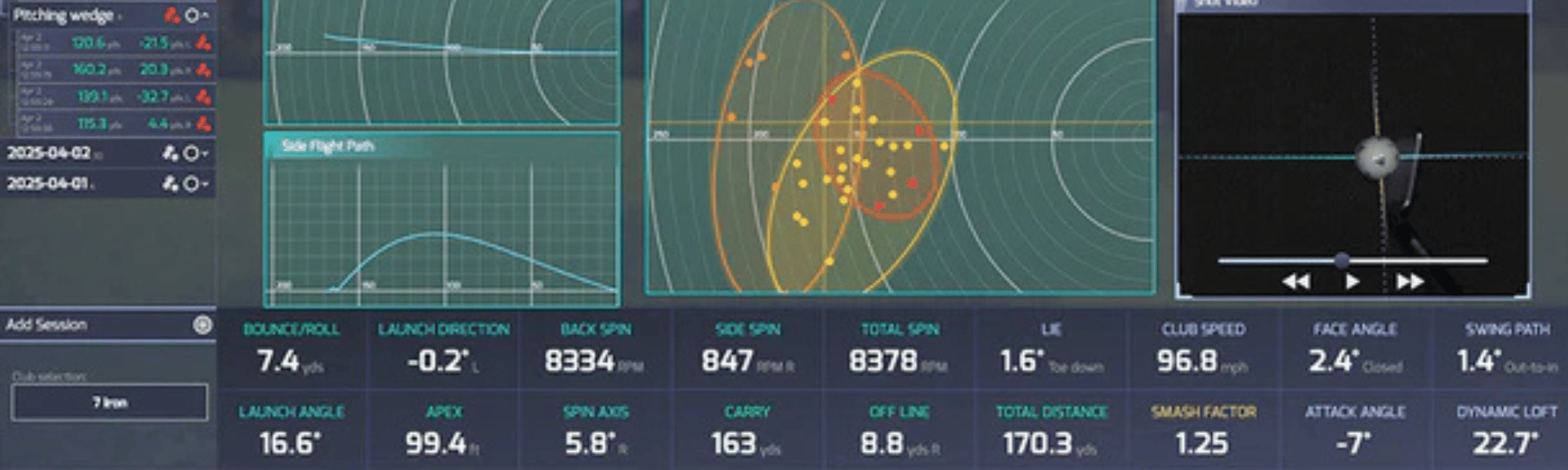
- 24 data points, pro-level accuracy
- Complete matched packages, nothing missing
- No-subscription options (VTrack, ProTee VX)
What you compromise
- Overhead monitors want a 9'+ ceiling
- Most need a sim-ready gaming PC
- 4K projector + premium screen add cost
- Still short of "dream bay" flooring/finish
Above $10,000 you're building a room you'll keep for a decade: the best overhead monitor, a full studio enclosure, a premium impact screen, a 4K short-throw projector, real simulator flooring with a putting surface, a dedicated sim PC, and finishing touches like a touchscreen control monitor. Every part is chosen to work with the next.
Example build — "The Dream Bay"
| ProTee VX SIG12 Complete Package (monitor + SIG12 studio + screen + projector + software) | from $10,099 |
| SIGPRO Simulator Flooring w/ putting green (SIG12) | $5,499.99 |
| SurfThing SG3-5802 sim PC (RTX 5080) | $4,699.00 |
| TouchscreenGuru 32" 4K touch control monitor | $1,199.00 |
| Approx. dream-bay total | ~$21,500 |
You can dial this up or down — a SIG10 build, a mid-tier SurfThing PC ($2,249+), or skipping the touchscreen — but the point of this tier is that nothing is a compromise. Overhead accuracy, a seamless floor-to-turf screen, a real putting surface, and a PC that will run 4K for years.
Where to Spend (and Where to Save)
If you take one thing from this guide, make it the order of priorities. When budget is tight, spend in this order:
- Launch monitor first. It's the brain, you feel it on every shot, and it's the hardest thing to upgrade. Buy as much monitor as your budget allows.
- Enclosure & impact screen. This is your immersion and your ball safety. A good screen lasts years.
- Projector. A 1080p short-throw is great to start; step up to 4K when the budget's there.
- Hitting mat. Protect your body — a good mat is worth it — but you can start mid-range and upgrade.
- PC & extras. Only some monitors need a gaming PC. Touchscreens, flooring, and control boxes are finishing touches, not day-one needs.
🏆 The Bottom Line
There's a genuinely great golf simulator at every one of these budgets — the trick is matching the build to how you'll actually use the room, then spending on the monitor first. Here's the fast version:
💲 Under $2,000
Get the Rapsodo MLM2PRO ($699.99), a mat, and a net. Real data, no room build, and it upgrades with you.
🏠 $2,000–$5,000
The Rapsodo MLM2PRO Essential Kit ($2,598.93) — a complete, projected simulator with no PC required.
🎯 $5,000–$10,000
The VTrack Package (from $6,999) — overhead 24-point data, biggest hitting zone in class, no subscription.
🛡️ $10,000+
A ProTee VX SIG12 Complete Package (from $10,099) plus SIGPRO flooring and a SurfThing PC. The forever room.
Frequently Asked Questions
What's the cheapest complete golf simulator?
For a genuinely complete, projected setup, the Rapsodo MLM2PRO Essential Kit at $2,598.93 is our best value — it bundles the launch monitor, a DIY enclosure, an impact screen, and a projector, and runs on your phone with no gaming PC. If you just want real data into a net, you can start with a Rapsodo MLM2PRO for $699.99 plus a mat.
Do I need a gaming PC to run a golf simulator?
Not always. Some monitors — like the Rapsodo MLM2PRO (phone/tablet) and the Garmin Approach R50 (built-in screen, 43,000+ courses) — run without a separate PC. Others, especially overhead monitors running GSPro in 4K, want a sim-ready gaming PC. Our SurfThing PCs start at $2,249 and are built specifically for this.
How much ceiling height do I need?
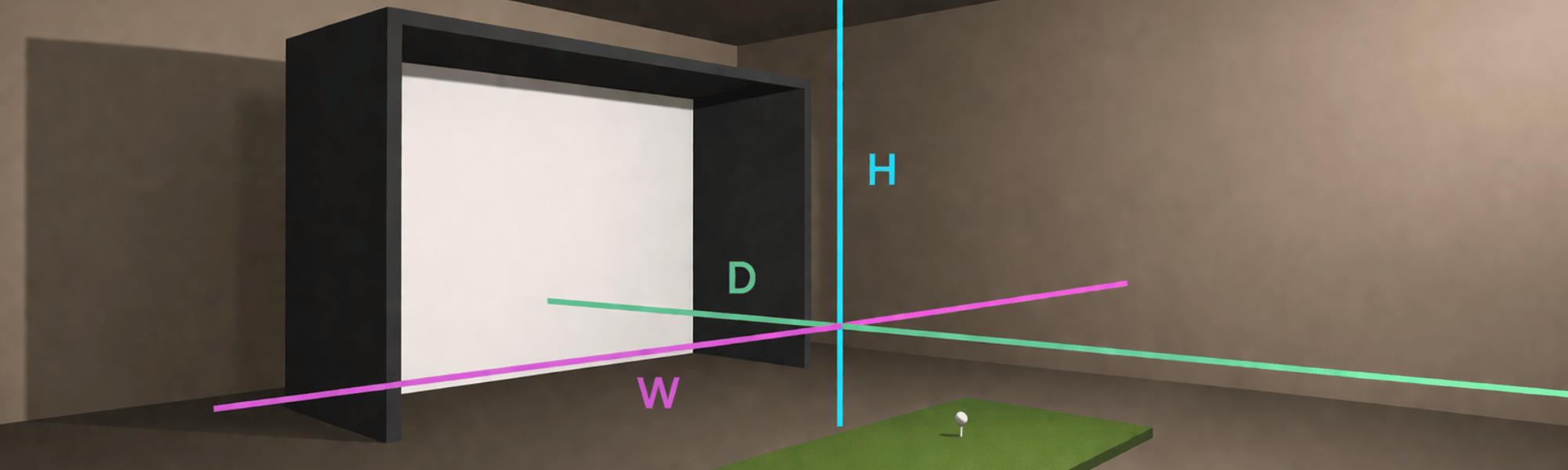
For a floor-standing monitor and net, most rooms work. For overhead monitors like the VTrack (8'10" minimum) or ProTee VX (9' minimum), ceiling height matters a lot. Measure at the spot the unit will mount and text us your dimensions before ordering — we'll confirm the fit for free.
Can I start small and upgrade later?
Absolutely — and it's often the smart play. Because the launch monitor is the brain and the hardest part to replace, buying a good monitor first (even into a net) means you keep it when you add an enclosure, screen, and projector later. Spend on the monitor, grow the room over time.
Are there hidden or recurring costs?
The main "extra" is simulator software. GSPro is about $250/year for a license, but several of our recommended monitors (VTrack, ProTee VX) connect to it with no connector fee or subscription, and some (Rapsodo, Garmin) include their own software. We list what's included on every product page so there are no surprises.
Which budget is right for most people?
Most home golfers who want a real, projected simulator land in the $2,000–$5,000 range for their first build, then some upgrade the monitor or room later. If pro-level overhead data matters to you from day one, plan for $5,000–$10,000. There's no wrong tier — only the one that fits your room and how you'll play.
Can Golf Sim Depot help me choose?
That's the whole point. Tell us your budget, room size, and how you like to play, and we'll match you to the right build — no pressure, no call center. Reach us by chat or text at (770) 766-5571, or start with our Sim Builder and we'll take it from there.
:%20What%20Your%20Money%20Actually%20Gets%0A%0A%20%20The%20single%20most%20common%20question%20we%20get%20is%20also%20the%20hardest%20to%20a...)