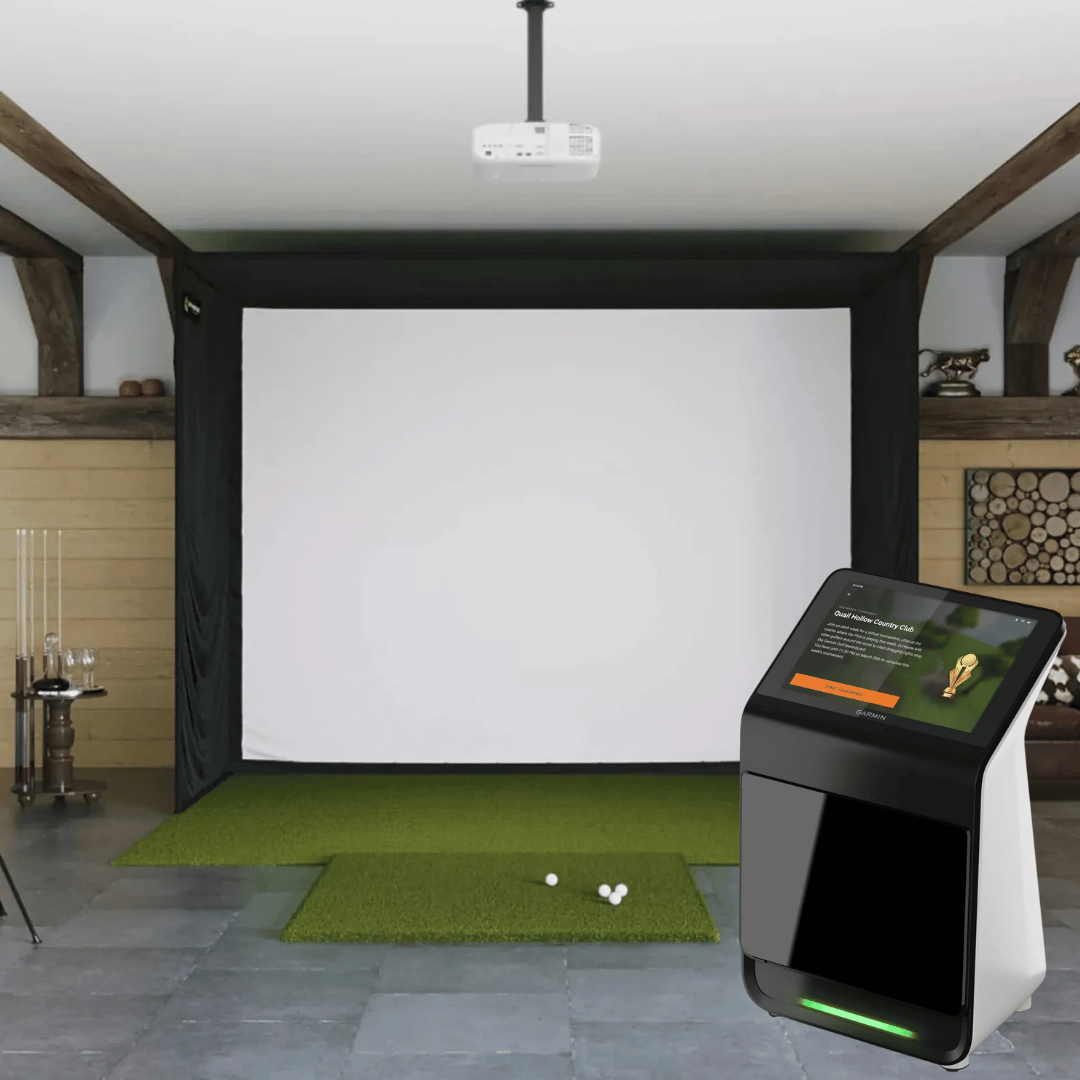
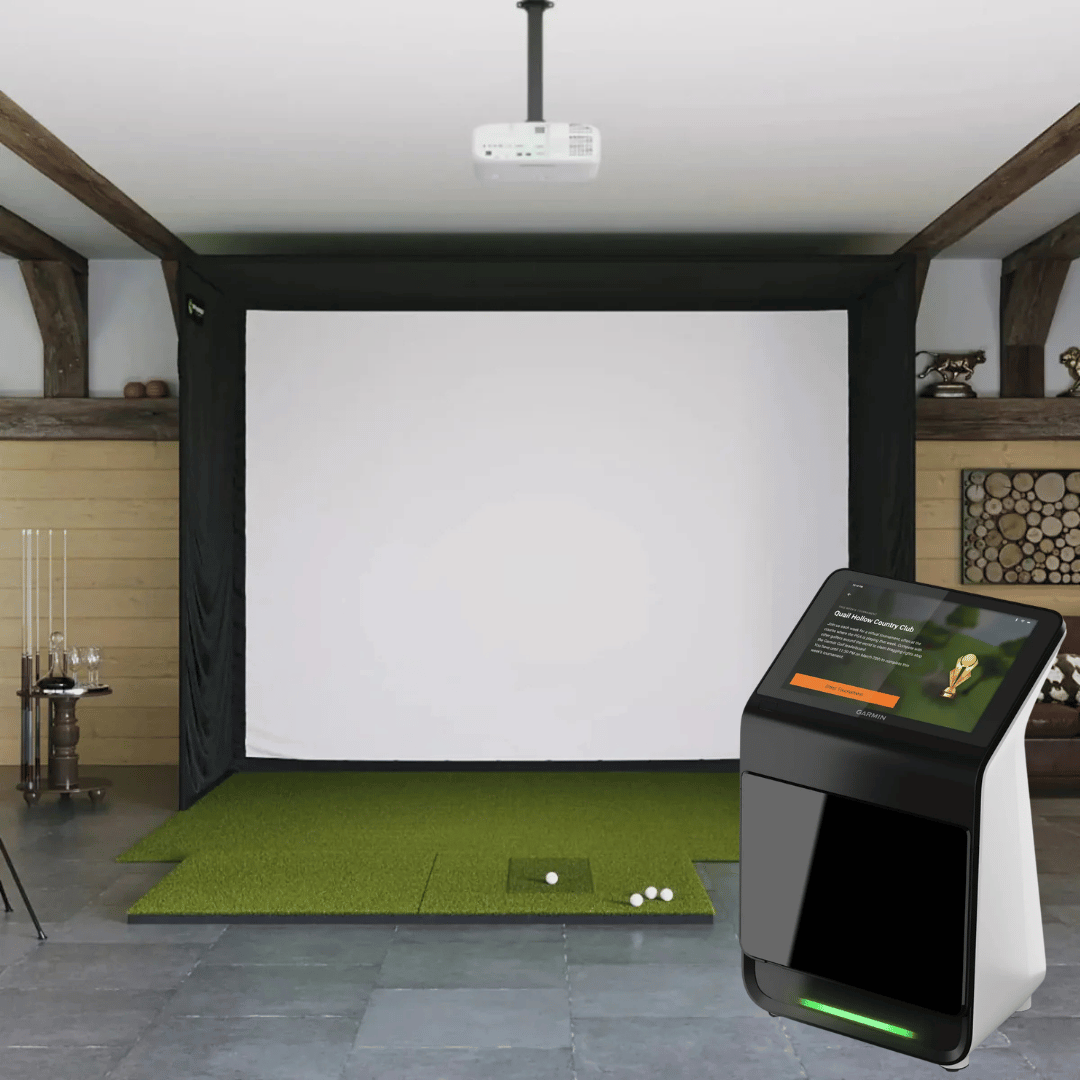
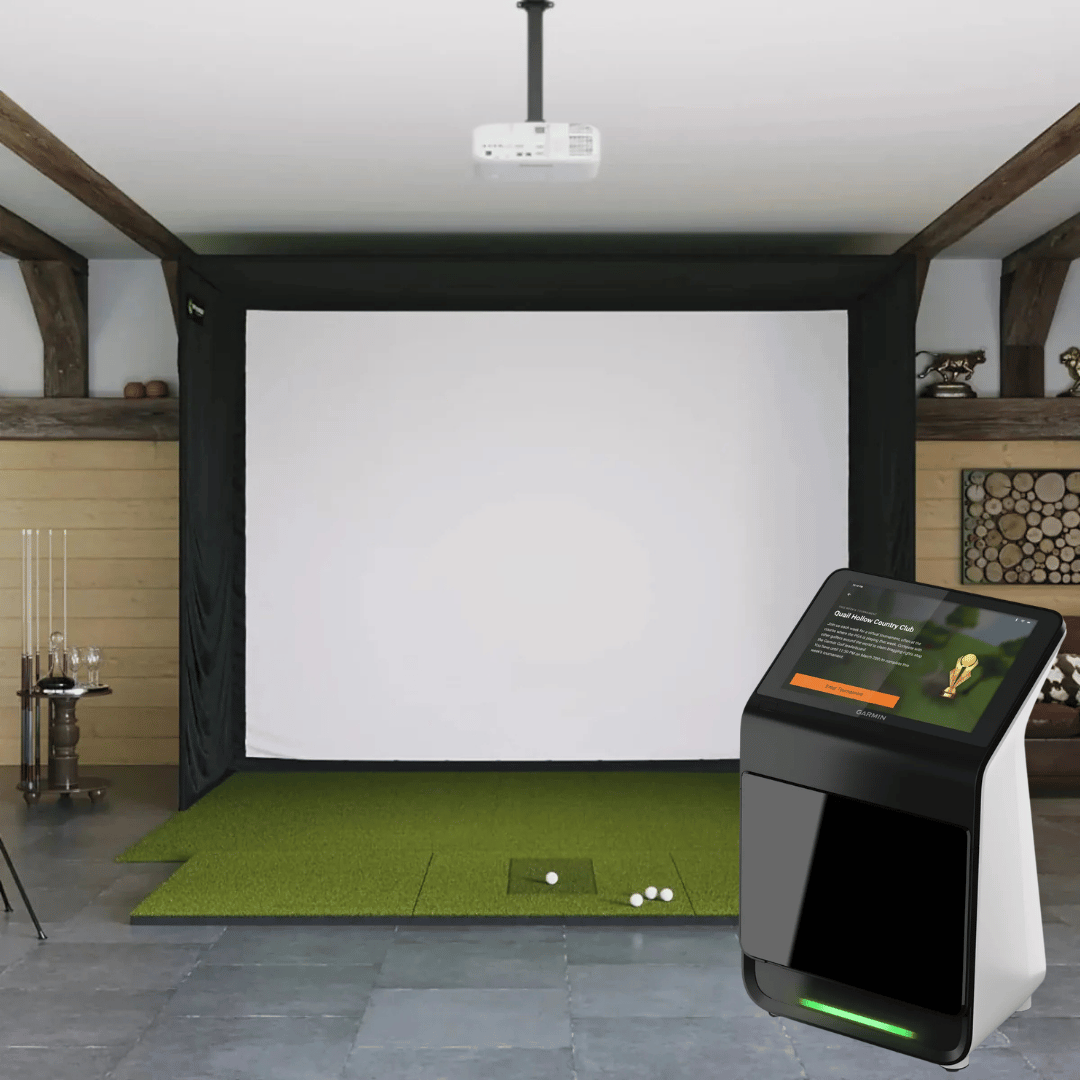
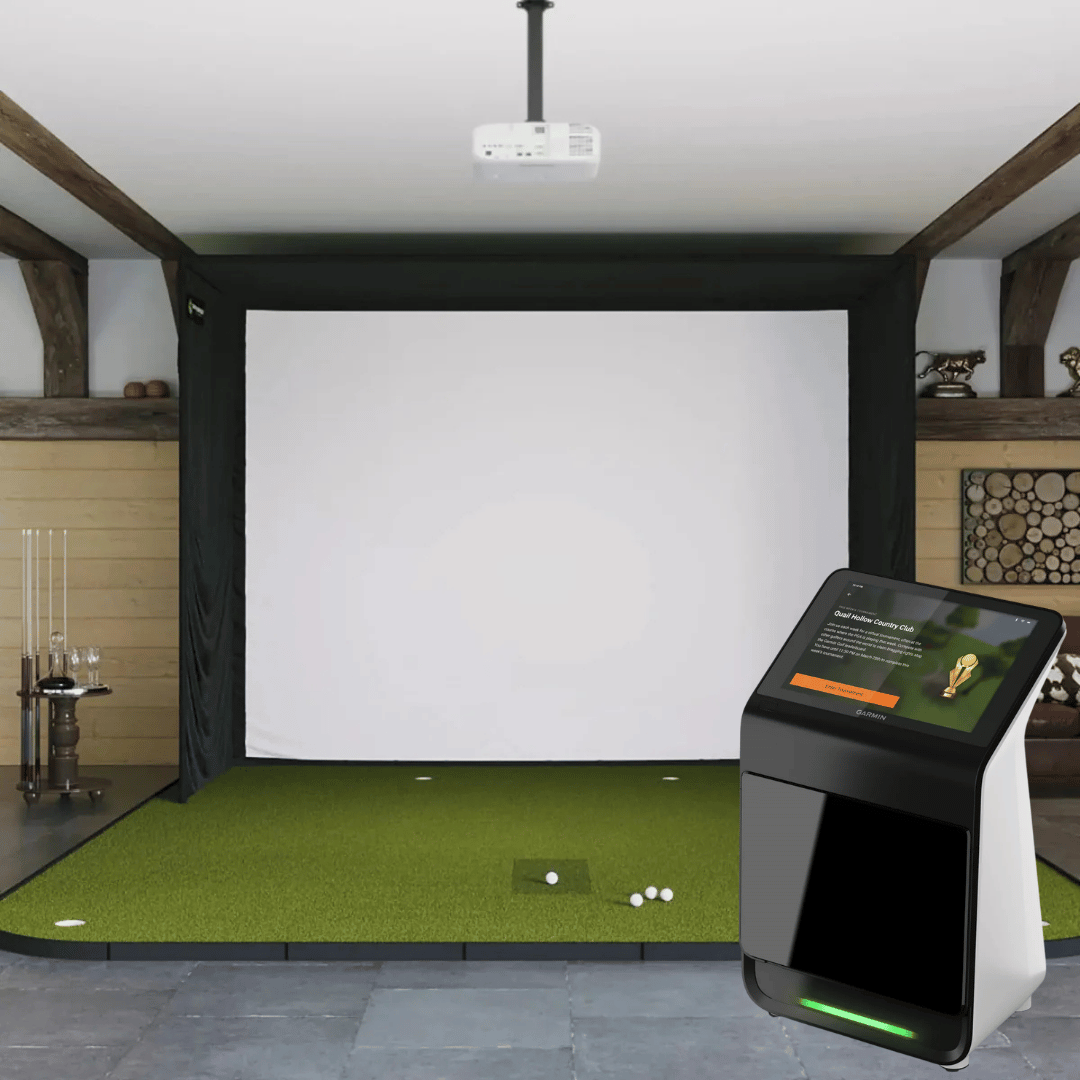


Garmin R50 Golf Simulator - SIG12 Complete Package
The Biggest Screen in the SIG Lineup. 43,000+ Courses Built In. One HDMI Cable to Your Projector.
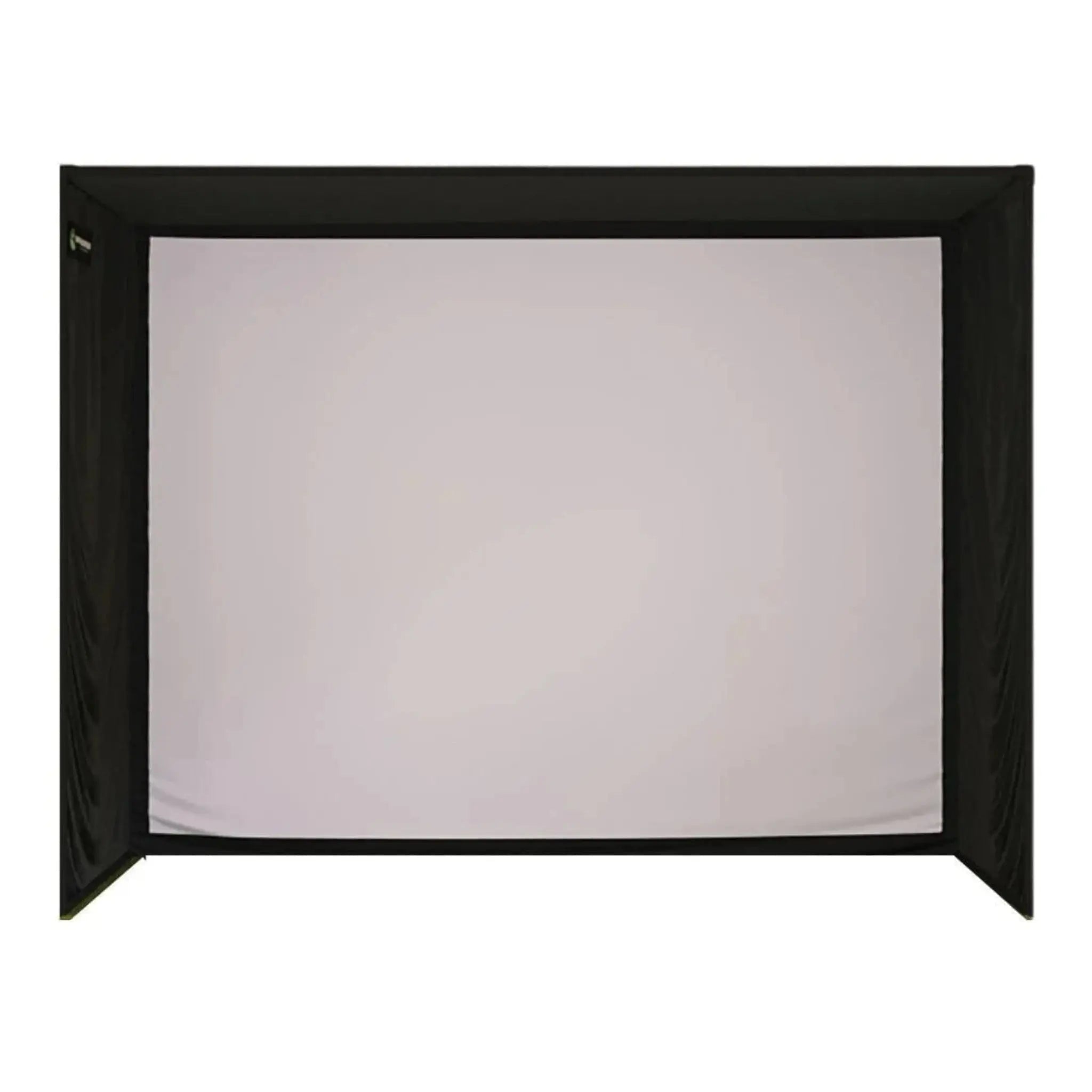
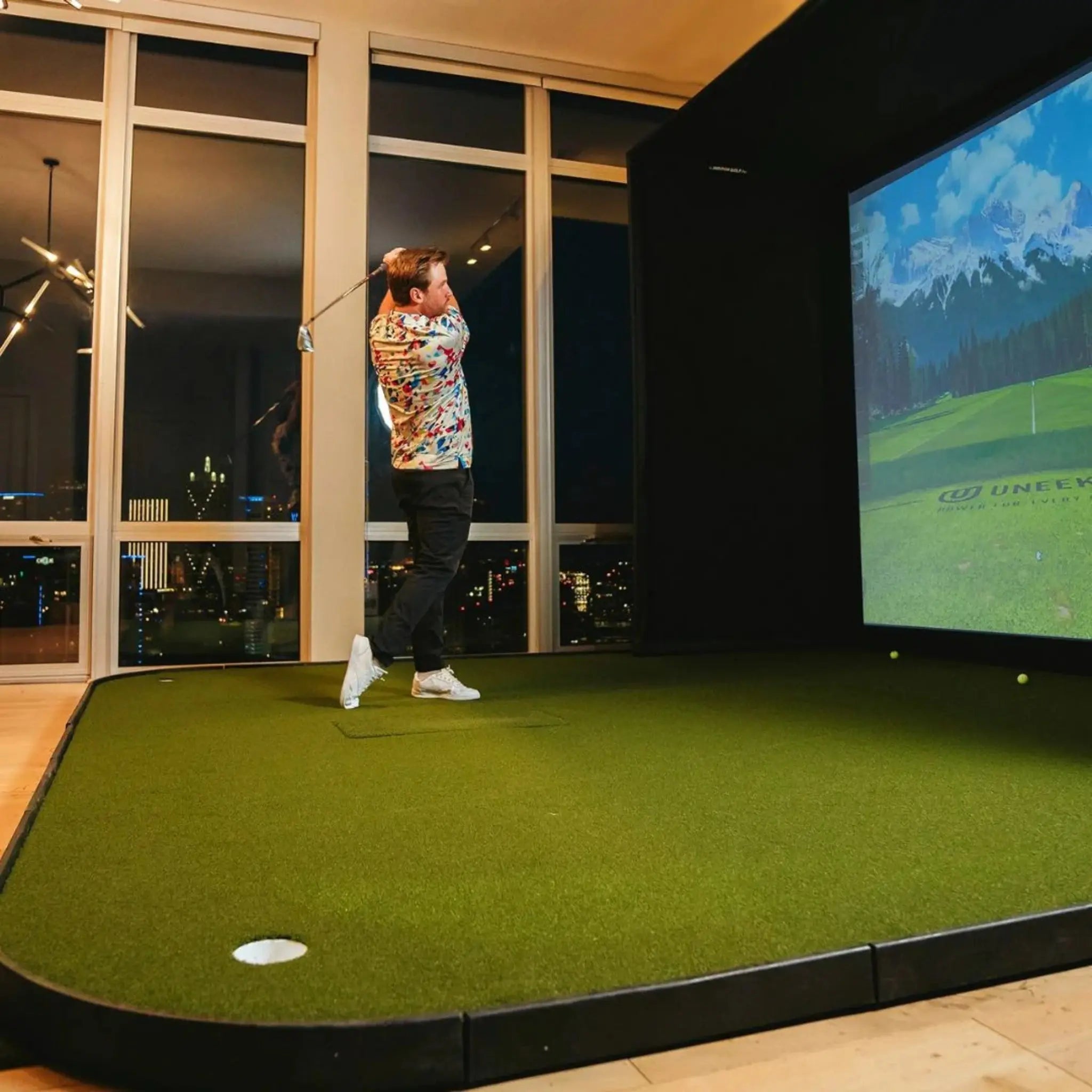
The Garmin Approach R50 Golf Simulator Bundle — SIG12 is the flagship configuration: the world's first all-in-one launch monitor and simulator paired with the largest enclosure in The Indoor Golf Shop's Signature Series. The SIG12's 14'3" diagonal, 4:3 screen fills 100% of the projected image with no letterboxing, and its 9'4" tall frame gives taller golfers and high-swing players the most overhead clearance in the SIG lineup.
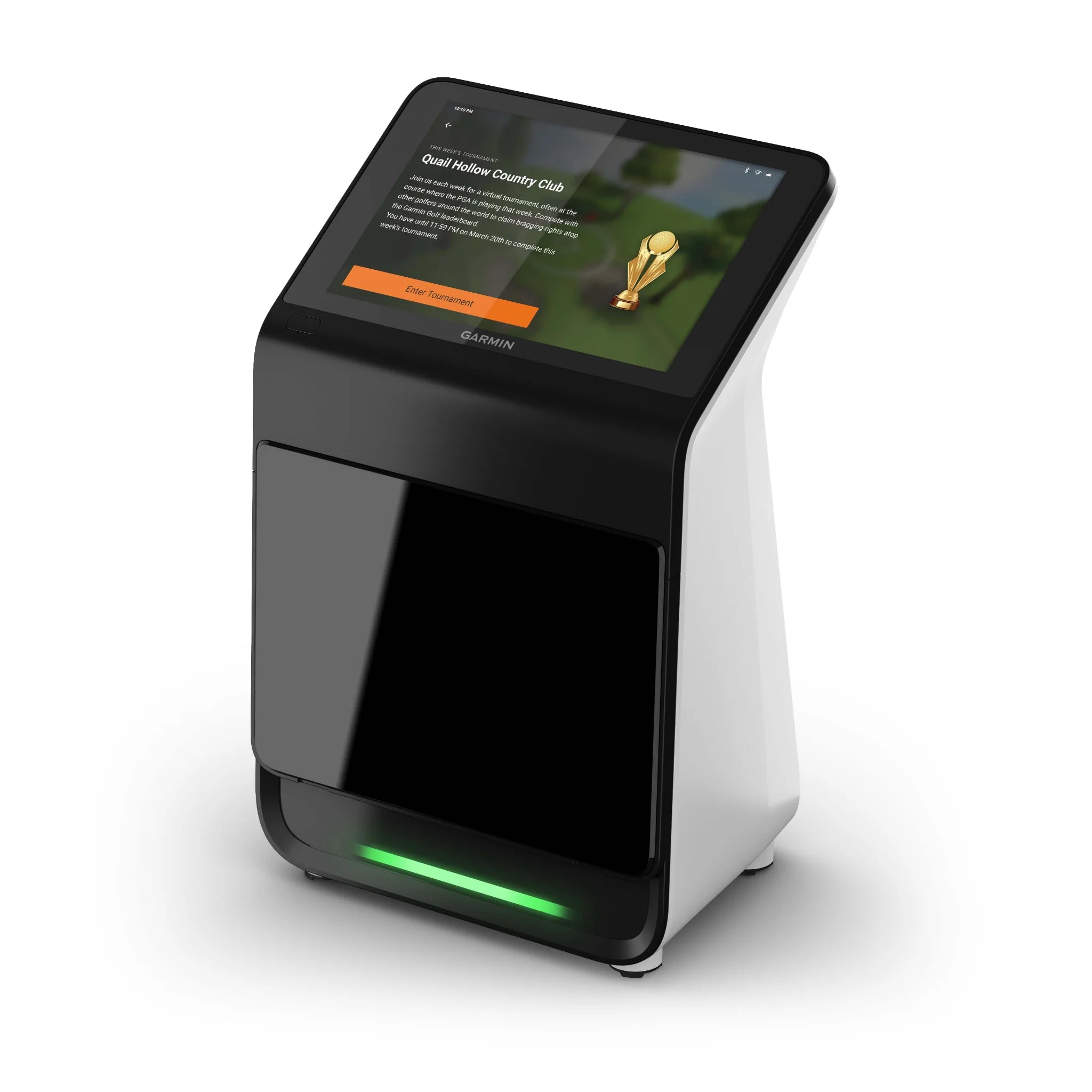
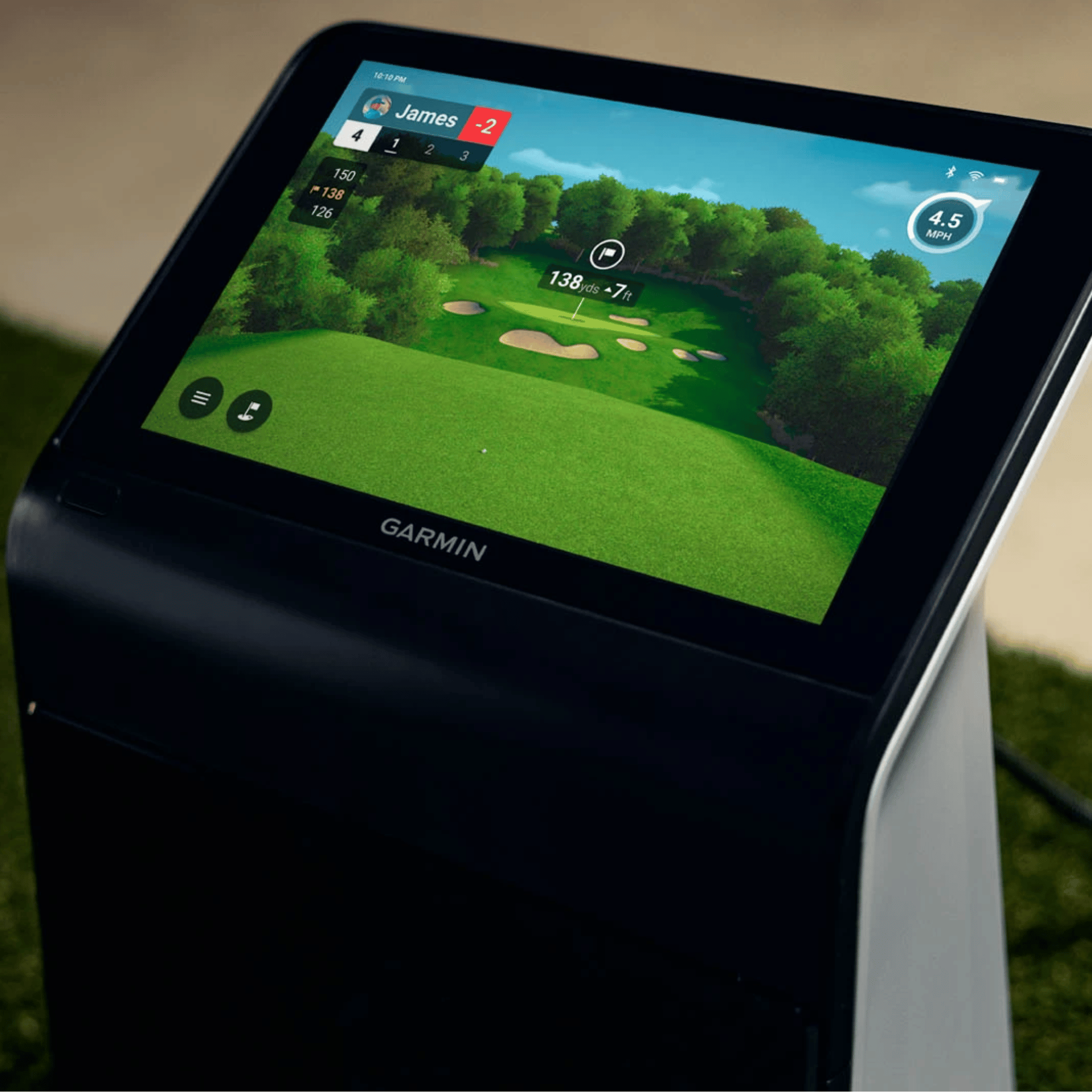
The Garmin Approach R50 runs 43,000+ real-world golf courses directly on its built-in 10" touchscreen and pushes the full simulation to your projector via a single HDMI cable — no PC, no tablet, no external computer. Three high-speed cameras deliver 15 ball and club data points, slow-motion impact video, full putting detection, and GC3-comparable accuracy. Golf Sim Depot founder Kyle Bullard called it a game-changer after extensive testing.
This bundle requires a minimum 10' ceiling. If your space qualifies, select your mat and projector at checkout. Then position the R50, run one HDMI cable, power on, and tee it up.
Key Benefits
- ✔ Largest Screen in the SIG Series — 14'3" Diagonal
The SIG12's 11'5" × 8'7" screen is the biggest in the lineup. 4:3 aspect ratio, 100% image fill, edge-to-edge gameplay with no letterboxing on the most immersive canvas the SIG Series offers. - ✔ No PC, No Tablet, No External Computer Required
The R50 runs 43,000+ courses natively. One HDMI cable to your projector is all it takes. No gaming PC, no software install, no compatibility troubleshooting — ever. - ✔ HDMI Direct to Projector — One Cable, Full Simulator
Plug HDMI from the R50 straight into your projector. Display the simulator on the 14'3" screen while keeping shot data on the R50's touchscreen simultaneously. - ✔ 43,000+ Real-World Courses via Home Tee Hero
Play Pebble Beach, St. Andrews, Augusta National, and tens of thousands of real courses built directly into the unit. Garmin Golf membership required ($9.99/mo or $99.99/yr). - ✔ Three-Camera System — 15 Ball and Club Data Points
Spin rate, angle of attack, face angle, club path, carry distance, and more — directly measured by three high-speed cameras. Accuracy on par with the Foresight GC3. - ✔ 9'4" Tall Frame — Maximum Overhead Clearance
The SIG12 is the tallest enclosure in the SIG Series — the most comfortable swing clearance for taller golfers and high-swing players. - ✔ 4' × 10' Double-Sided Mat Compatible
The SIG12's 12'2" width comfortably fits the 4'×10' double-sided mat. Use the R50's player profiles with configurable handedness for seamless left/right player switching. - ✔ Full Putting Detection During Simulator Rounds
Putt with your real putter — cameras track the stroke for realistic green-to-pin gameplay throughout every Home Tee Hero round. - ✔ High-Speed Impact Video on Every Shot
Slow-motion replay built in — viewable on the R50's screen or output to the projector. - ✔ Multiple Player Profiles
Individual profiles with configurable handedness, units, and separate session data — ideal for households with multiple serious players. - ✔ Portable + Indoor/Outdoor Ready
4-hour battery, IPX3 water rating, built-in barometer, and carrying case. Same unit works at the range, on the course, or outdoors. - ✔ Compatible with GSPro, E6 Connect, E6 Apex & Awesome Golf
Connect via Wi-Fi to a PC for third-party simulation software. PC and licenses required. - ✔ SIGPRO Premium Impact Screen — MyGolfSpy Independent Testing Winner
Three-layer tight-knit polyester rated for 250 MPH ball strikes. Superior durability and reduced bounce-back versus leading competitors. - ✔ Color-Coded, DIY-Friendly Assembly
The SIG12 uses push-pin poles and color-coded connectors — straightforward setup without professional help.
Who Is This For?
- ✅ Golfers with a dedicated simulator room, large garage, or basement with 10'+ ceilings who want the most immersive SIG experience possible
- ✅ Those who want a complete simulator without a PC — just the R50, a projector, and an HDMI cable
- ✅ Taller players or those with high backswings who need maximum frame height and overhead clearance
- ✅ Those who want to play 43,000+ real-world courses on a 14'3" screen with zero setup complexity
- ✅ Lefty/righty households who want both player profile support and the double-sided mat option
- ✅ Golfers who want GC3-level accuracy in the simplest possible package
- ✅ Anyone building a high-end home simulator who wants the most screen the SIG Series can deliver with the least friction to get there
What's in This Bundle
| Component | Details |
|---|---|
| Garmin Approach R50 Launch Monitor | 3-camera photometric system · 15 data points · Built-in 10" color touchscreen · Home Tee Hero simulator · HDMI + USB-C output · Wi-Fi + Bluetooth · 4-hour battery · IPX3 rated · Built-in barometer |
| AC Adapter and Power Cord | For charging and extended wired sessions |
| 250 Club Tracking Stickers | Required for club data. Ball data works without stickers. |
| Carrying Case | Fitted protective case for transport |
| Documentation | Quick start guide and setup reference |
| SIG12 Studio Enclosure | Powder-coated steel frame · Color-coded push-pin assembly · 12'2" × 9'4" × 5' |
| SIGPRO Premium Impact Screen | 11'5" × 8'7" (14'3" diagonal) · 4:3 aspect ratio · 100% image fill · MyGolfSpy-tested · 250 MPH rated · Double-stitched with grommets |
| SIG Surround | Vinyl wrap for a clean, finished look |
| Side Barrier Netting | Catches errant shots on both sides |
| Landing Pad Turf | Fills gap between screen and mat; protects floor |
| Foam Padding | Protective padding on all sides of screen |
| 6" Ball Bungees | For mounting screen and surround |
| Choice of Hitting Mat | Select from mat options at checkout (see below) |
| Optional Projector | Choose from HD or 4K options at checkout, or select "No Projector" — the R50 connects via HDMI directly |
| Assembly Manual + Video Access | Step-by-step guides for enclosure assembly |
How the Setup Works — Simpler Than Any Other Bundle
- Step 1 — Assemble your SIG12 enclosure and position hitting mat
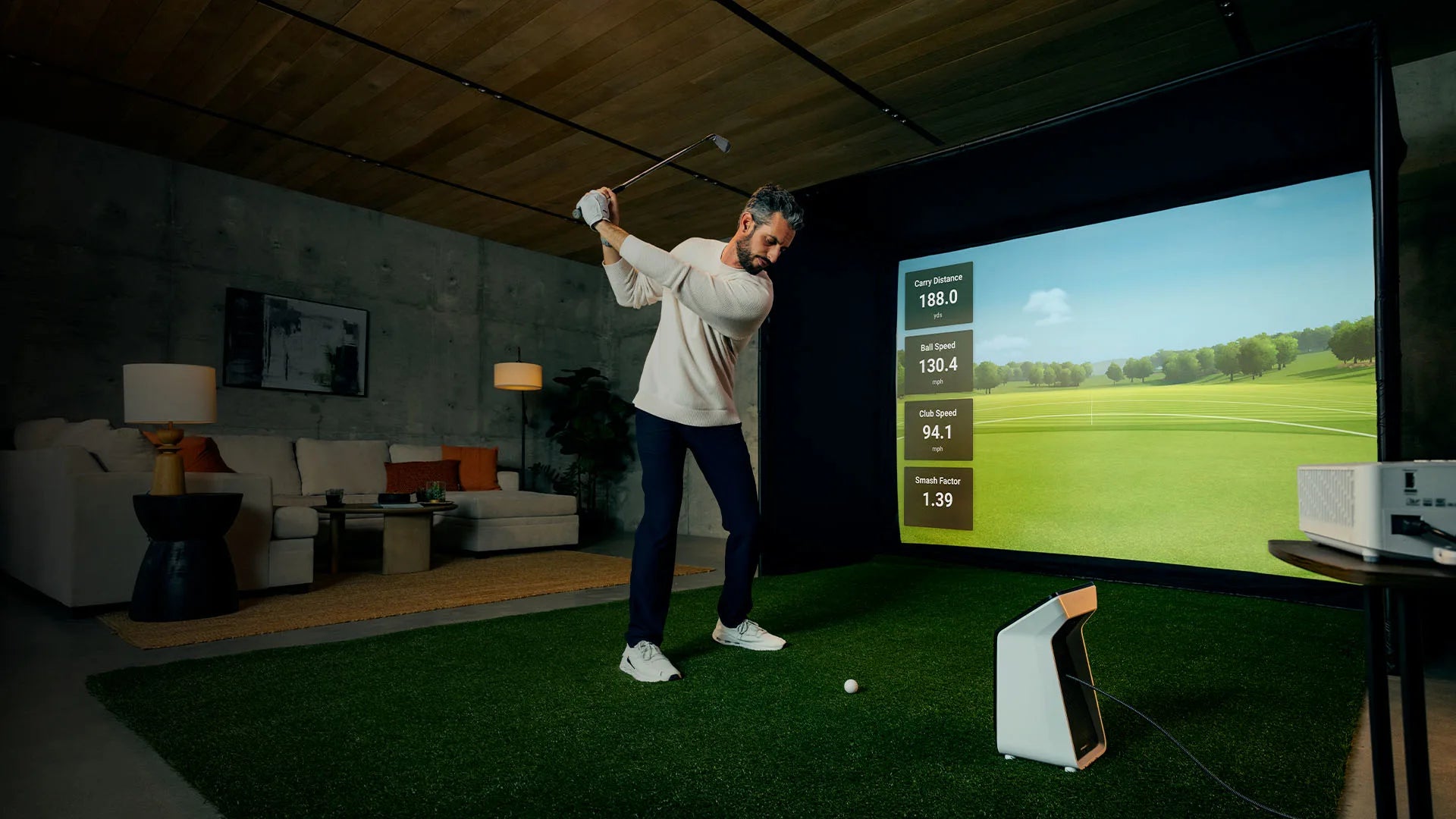
- Step 2 — Place the R50 on the floor 1–2 feet in front of your hitting position, level with the mat
- Step 3 — Run one HDMI cable from the R50 to your projector
- Step 4 — Power on, connect to Wi-Fi, and log into your Garmin Golf account
- Step 5 — Select your course — Home Tee Hero displays in full 4:3 on the 14'3" screen
- Step 6 — Apply club stickers and tee it up
Software & Membership
| Plan | Cost | What's Included |
|---|---|---|
| Free (No Membership) | $0 | Basic range practice, shot data, impact video — no course play |
| Garmin Golf Membership | $9.99/mo or $99.99/yr | Full Home Tee Hero access — 43,000+ courses, virtual tournaments, cloud sync, full training mode |
Third-Party Software: GSPro, E6 Connect, E6 Apex, and Awesome Golf are compatible via Wi-Fi connection to a separate PC. PC and software licenses required.
Hitting Mat Options
Select your hitting surface at checkout. The SIG12's 12'2" width provides the most generous bay in the SIG Series for the R50 alongside any mat option, including the full 4'×10' double-sided mat.
| Mat Option | Size | Best For |
|---|---|---|
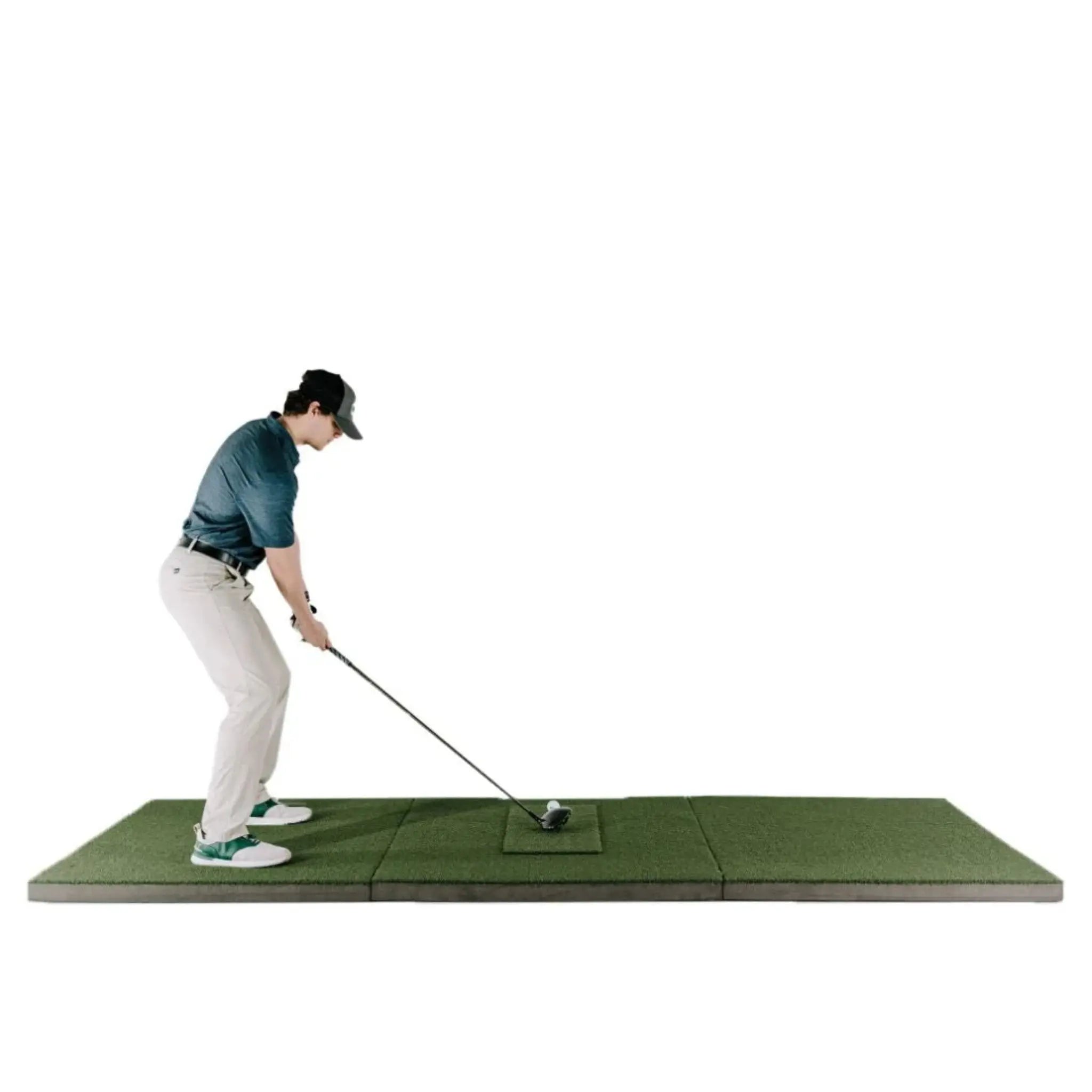
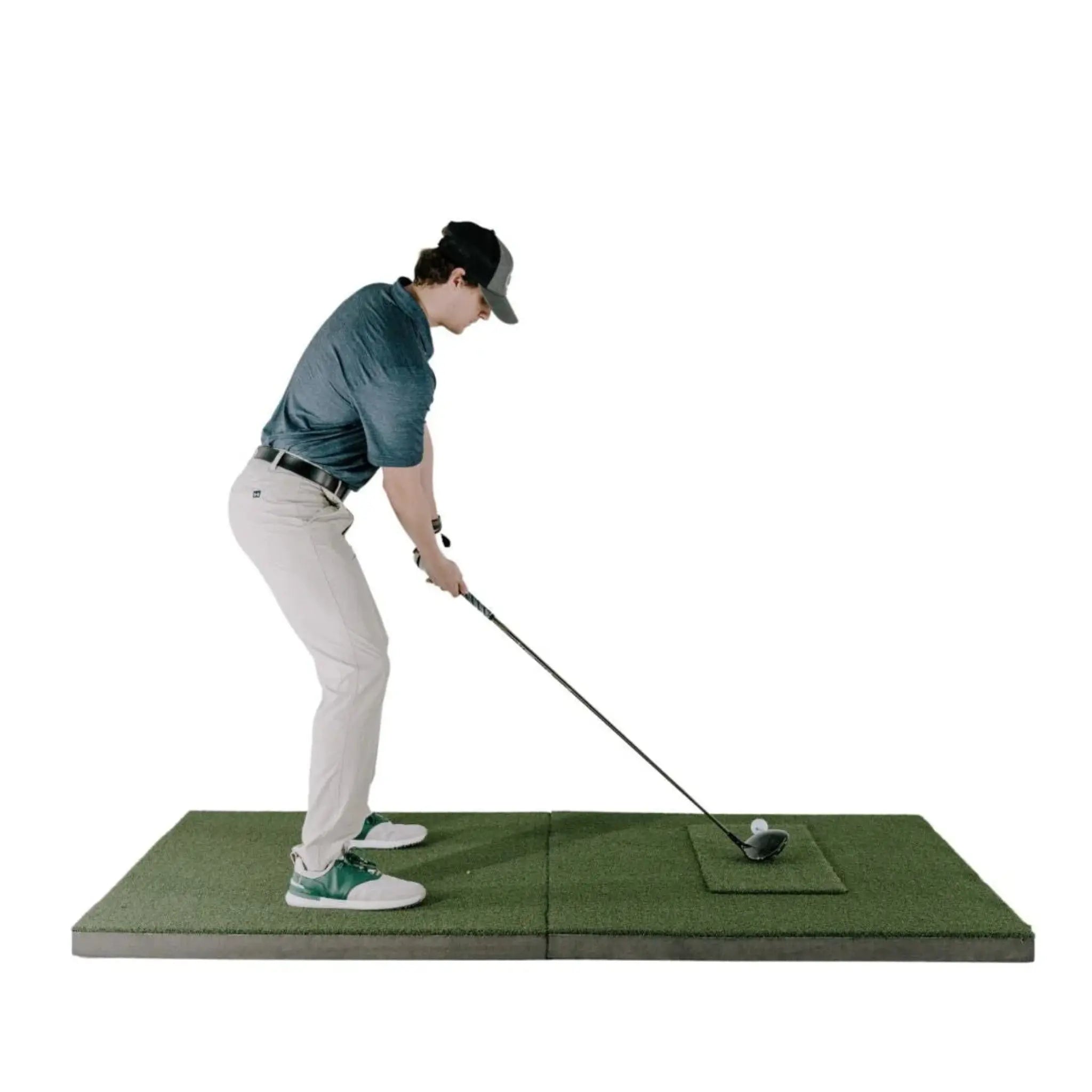
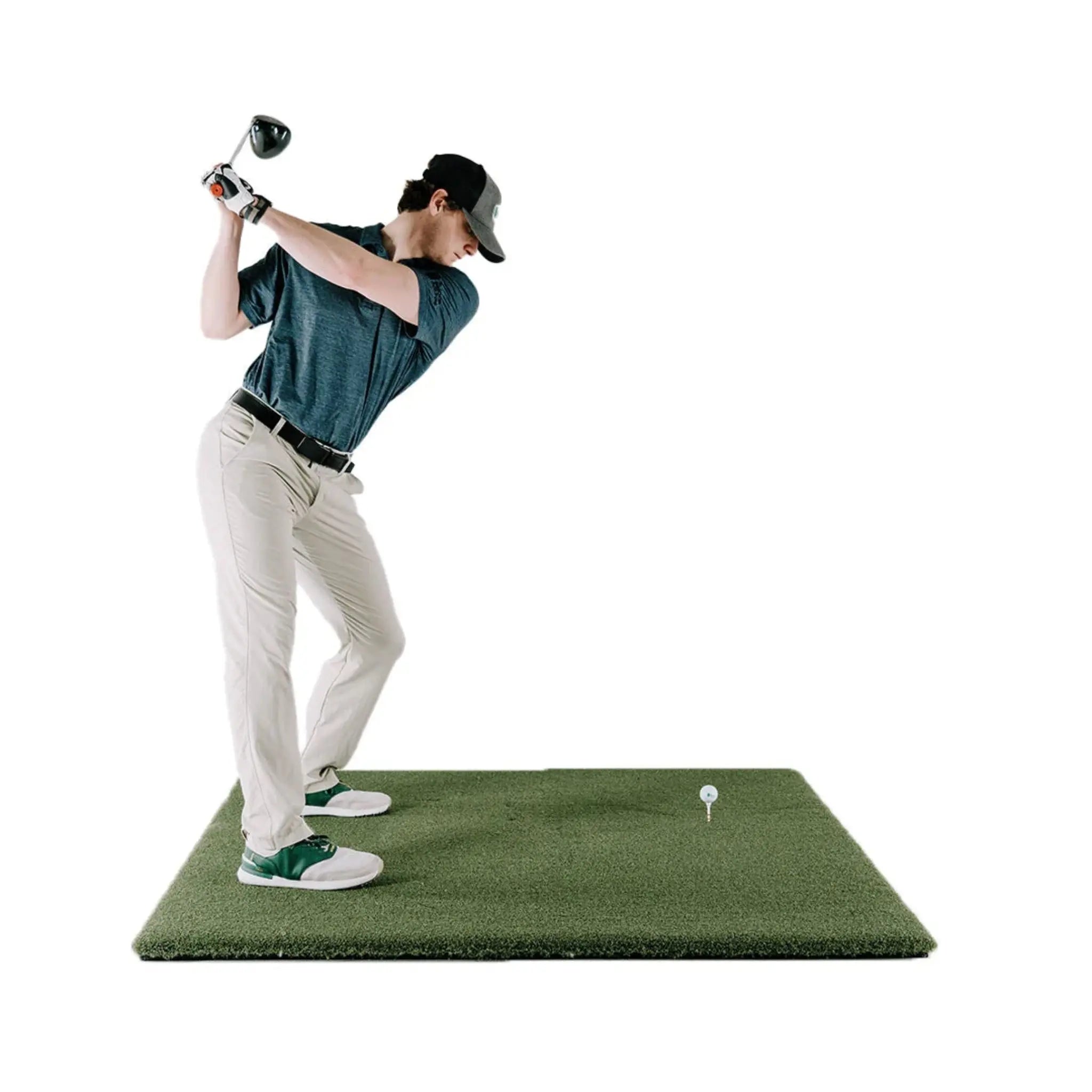
| Fairway Series | 5' × 5' | Realistic turf feel, accepts real tees. The SIG12's wide bay gives plenty of clearance for the R50 in front of the mat. |
| SIGPRO Softy | 4' × 7' | Recommended for floor-mounted monitors. Larger surface, soft foam backing — easy on joints and keeps the R50 level. |
| SIGPRO Softy | 4' × 10' | Double-sided with center tee. The SIG12's width makes this the most comfortable left/right mat setup in the SIG Series. Use the R50's player profiles with configurable handedness for each golfer. |
| Simulator Flooring | Integrated | Premium DIY look with integrated hitting strip and putting green (4 cup positions). The R50's full putting detection works throughout every Home Tee Hero round on the integrated green. |
Projector Options
The R50 outputs video via HDMI — one cable from the unit to your projector, no PC required. To make the most of the SIG12's 14'3" diagonal screen, a 4K projector is worth serious consideration — at this size, the improvement in image sharpness over 1080p is clearly visible.
The SIG12 has a 4:3 aspect ratio, producing 100% image fill — no letterboxing, no wasted screen area.
| Model | Resolution | Type | Notes |
|---|---|---|---|
| TH671ST | 1080p Full HD | Short Throw | Entry-level HD. Functional for the SIG12; 4K is noticeably better at this screen size. |
| AH30ST | 1080p Full HD | Short Throw | HD short throw with higher brightness. Good if staying with 1080p. |
| TK710STi | 4K UHD | Short Throw | 4K short throw — a meaningful upgrade on a 14'3" screen. Sharper course visuals throughout. |
| AH700ST | 4K UHD | Short Throw | 4K short throw with high lumen output. Solid in rooms with ambient light. |
| LK830ST | 4K UHD | 4K Short Throw | 4K with strong brightness — excellent for larger rooms or mixed-light environments. |
| AK700ST | 4K UHD | 4K Short Throw | High-lumen 4K short throw. A top recommendation for the SIG12 — matches the screen's scale. |
| LK936ST | 4K UHD | 4K Laser Short Throw | Top-tier laser projection. Best brightness, longest lamp life, best color accuracy. The premium choice for the SIG12's full-size screen. |
| No Projector | — | — | Use your own projector. Connect via HDMI directly from the R50 — no PC required. |
Garmin Approach R50 — What's Measured
| Category | Data Points |
|---|---|
| Ball Data | Ball Speed · Launch Angle · Launch Direction · Spin Rate · Spin Axis · Apex Height · Carry Distance · Total Distance · Deviation Distance |
| Club Data | Club Head Speed · Club Face Angle · Club Path Angle · Angle of Attack · Smash Factor Note: Club tracking stickers (250 included) required for club data. |
| Impact Video | High-speed slow-motion impact replay on every shot |
Technical Specifications
Garmin Approach R50 Launch Monitor
| Spec | Detail |
|---|---|
| Tracking Technology | 3 high-speed cameras (photometric) |
| Data Points | 15 (ball + club) |
| Display | 10" color LCD touchscreen · 800×1280 pixels |
| Output | HDMI (direct to projector or TV) · USB-C |
| Connectivity | Wi-Fi · Bluetooth |
| Battery | Internal rechargeable lithium-ion · Up to 4 hours |
| Water Rating | IPX3 |
| Sensors | Built-in barometer |
| Dimensions | 16.5" × 10.6" × 7.5" |
| Weight | 9 lbs |
| Ball Requirements | Any ball — no special markings required |
| Club Stickers | Required for club data · 250 included |
| Placement | Floor-mounted, 1–2 ft in front of hitting position, level with mat |
| Putting Detection | Full putting tracking during Home Tee Hero rounds |
| Profiles | Multiple player profiles with separate handedness and data |
| Manufacturer | Garmin |
SIG12 Golf Simulator Studio Enclosure
| Spec | Detail |
|---|---|
| Enclosure Width | 12'2" (146") |
| Enclosure Height | 9'4" (112") |
| Enclosure Depth | 5' (60") |
| Screen Width | 11'5" (137") |
| Screen Height | 8'7" (103") |
| Screen Diagonal | 14'3" (171") |
| Aspect Ratio | 4:3 |
| Image Fill | 100% — full-screen projection, no letterboxing |
| Screen Material | Three-layer tight-knit polyester (SIGPRO Premium) |
| Impact Rating | 250 MPH |
| Frame Material | Powder-coated steel |
| Assembly | Color-coded push-pin poles and connectors |
| 4' × 10' Mat Compatible | Yes |
What's Included
- Garmin Approach R50 Launch Monitor
- AC Adapter and Power Cord
- 250 Club Tracking Stickers
- Carrying Case
- Documentation
- SIG12 Enclosure Frame — Powder-coated steel with color-coded push-pin assembly
- SIGPRO Premium Impact Screen — 11'5" × 8'7", MyGolfSpy-tested, double-stitched with grommets
- SIG Surround — Vinyl wrap for finished appearance
- 6" Ball Bungees — Screen and surround mounting
- Landing Pad Turf — Floor protection between screen and mat
- Protective Foam Padding — All sides of frame
- Side Barrier Netting
- Push-Pin Poles & Connectors (color-coded)
- Choice of Hitting Mat (Fairway 5'×5', SIGPRO Softy 4'×7', SIGPRO Softy 4'×10', or Simulator Flooring)
- Optional Projector (if selected at checkout)
- Assembly Manual & Video Access
What's NOT Included
- Garmin Golf membership for Home Tee Hero course access ($9.99/mo or $99.99/yr — basic range practice is free)
- HDMI cable (standard HDMI — available at any electronics retailer)
- Projector (unless selected at checkout)
- PC (only required for third-party software — not needed for Home Tee Hero)
- Third-party simulator software (GSPro, E6, etc. sold separately; PC required)
Space & Setup Requirements
| Requirement | Detail |
|---|---|
| Minimum Room Width | 13' (enclosure is 12'2" wide) |
| Minimum Ceiling Height | 10' — the SIG12 is 9'4" tall and requires 10'+ for swing clearance. The R50's cameras work well within the SIG12's space requirements. |
| Recommended Ceiling Height | 10'6"–11' for maximum comfort and full swing clearance |
| Room Depth Required | 5' for enclosure + hitting mat + swing clearance (typically 13–16' total room depth recommended) |
| R50 Placement | Floor-mounted, 1–2 ft in front of hitting position, level with the mat. The SIG12's wide bay provides the most generous clearance in the SIG Series for the unit. |
| Clearance Behind Screen | Leave at least 6–12" behind the impact screen for ball flex — do not mount flush to a wall |
| Connectivity | HDMI direct to projector from R50 (no PC needed) · Wi-Fi for updates and optional third-party software |
| R50 Setup Time | Under 5 minutes — position, HDMI to projector, power on, log in, play |
| SIG12 Assembly Time | Approximately 1–2 hours with two people |
| Electrical | Standard outlet for projector (if applicable) · R50 runs on battery or plugged in via AC adapter |
Important — Ceiling Height: The SIG12 requires a minimum 10' ceiling. Please confirm your finished floor-to-ceiling measurement before ordering. Ceilings of 10'6" or higher are ideal. The R50's floor-mounted design has no ceiling height requirement of its own — the SIG12's 10' minimum is the governing constraint.
Setup & Assembly
R50 Setup (Under 5 Minutes):
- Position the R50 on the floor 1–2 feet in front of and level with your hitting position
- Run HDMI cable from the R50 directly to your projector
- Power on and connect to Wi-Fi
- Log into your Garmin Golf account
- Select course on touchscreen — Home Tee Hero displays in full 4:3 fill on the 14'3" screen
- Apply club stickers and tee it up
SIG12 Enclosure Assembly (Approx. 1–2 Hours with Two People):
- Assemble frame using color-coded poles and push-pin connectors
- Attach vinyl SIG Surround to frame
- Mount SIGPRO Premium screen using included ball bungees
- Install protective foam padding on all sides
- Attach side barrier netting
- Position landing pad turf and hitting mat
Tools Required: Basic hand tools; step stool recommended for enclosure. No tools required for R50 setup.
SIG8 vs. SIG10 vs. SIG12 — Which Enclosure Is Right for You?
| Specification | SIG8 | SIG10 | SIG12 |
|---|---|---|---|
| Enclosure Width | 8'4" | 10'10" | 12'2" |
| Enclosure Height | 8'4" | 8'4" | 9'4" |
| Screen Diagonal | 10'8" | 12'7" | 14'3" |
| Aspect Ratio | 1:1 | 4:3 | 4:3 |
| Image Fill | ~80% | 100% | 100% |
| Min Ceiling Height | 9' | 9' | 10' |
| 4'×10' Mat Compatible | No | Yes | Yes |
Choose SIG8 if space is your primary constraint — fits rooms as narrow as 9' wide. The R50's player profiles handle handedness switching without requiring a wider enclosure.
Choose SIG10 if you have a standard garage or basement (11'+ wide, 9'+ ceiling) and want 100% image fill and the 4'×10' mat option.
Choose this SIG12 bundle if you have 13'+ room width and 10'+ ceilings and want the largest, most immersive simulator experience the SIG Series offers — the biggest screen, the tallest frame, the most space.
Shipping & Returns
Shipping: Ships in 7–10 business days. Free shipping within the contiguous United States.
Returns: 30-day hassle-free return policy. Customer responsible for return shipping costs. A 15% restocking fee applies.
Frequently Asked Questions
Do I need a PC to use this bundle?
No. For Home Tee Hero course play, all you need is the R50 and an HDMI cable to your projector.
A PC is only required for third-party software like GSPro or E6 Connect.
What ceiling height does the SIG12 require?
A minimum of 10' ceiling height is required for the SIG12. The R50 is
floor-mounted and has no ceiling height requirement of its own — the SIG12's 10' minimum is
the governing constraint. Please confirm your finished floor-to-ceiling measurement before
ordering. Ceilings of 10'6" or higher are ideal.
How does the R50 connect to the projector?
Via a standard HDMI cable — directly from the R50's HDMI port to the projector. No PC in between.
You can show the simulator on the 14'3" screen while keeping shot data on the R50's touchscreen.
Is a 4K projector worth it for the SIG12?
Yes — at 14'3" diagonal, the improvement in sharpness over 1080p is clearly visible. The
AK700ST or LK936ST are both strong matches for this screen size.
Do I need a subscription?
Basic range practice and shot data are free. A Garmin Golf membership at $9.99/mo or
$99.99/yr is required for full Home Tee Hero course access.
Are club stickers required?
Yes, for club data (face angle, club path, angle of attack, smash factor). 250 stickers are
included. All ball data works without stickers.
Can left- and right-handed players use this setup?
Yes. The R50 supports individual player profiles with configurable handedness. The SIG12 also
fits the 4'×10' double-sided mat for alternating tee positions at mat level.
Can I use GSPro or E6 Connect?
Yes — via Wi-Fi connection to a PC running the software. A separate PC and software license
are required for third-party access beyond Home Tee Hero.
Does the R50 detect putting?
Yes — full putting detection during Home Tee Hero rounds. Compatible with the SIG12 Simulator
Flooring option's integrated putting green (4 cup positions).
What's the warranty on the R50?
The Garmin Approach R50 is covered by a Garmin limited warranty. The SIG12 Studio is covered
under The Indoor Golf Shop's standard warranty. Contact Golf Sim Depot at (770) 766-5571 for
warranty details on either component.
Choose options


