
Overhead Accuracy. Budget-Friendly Price. No Subscriptions.
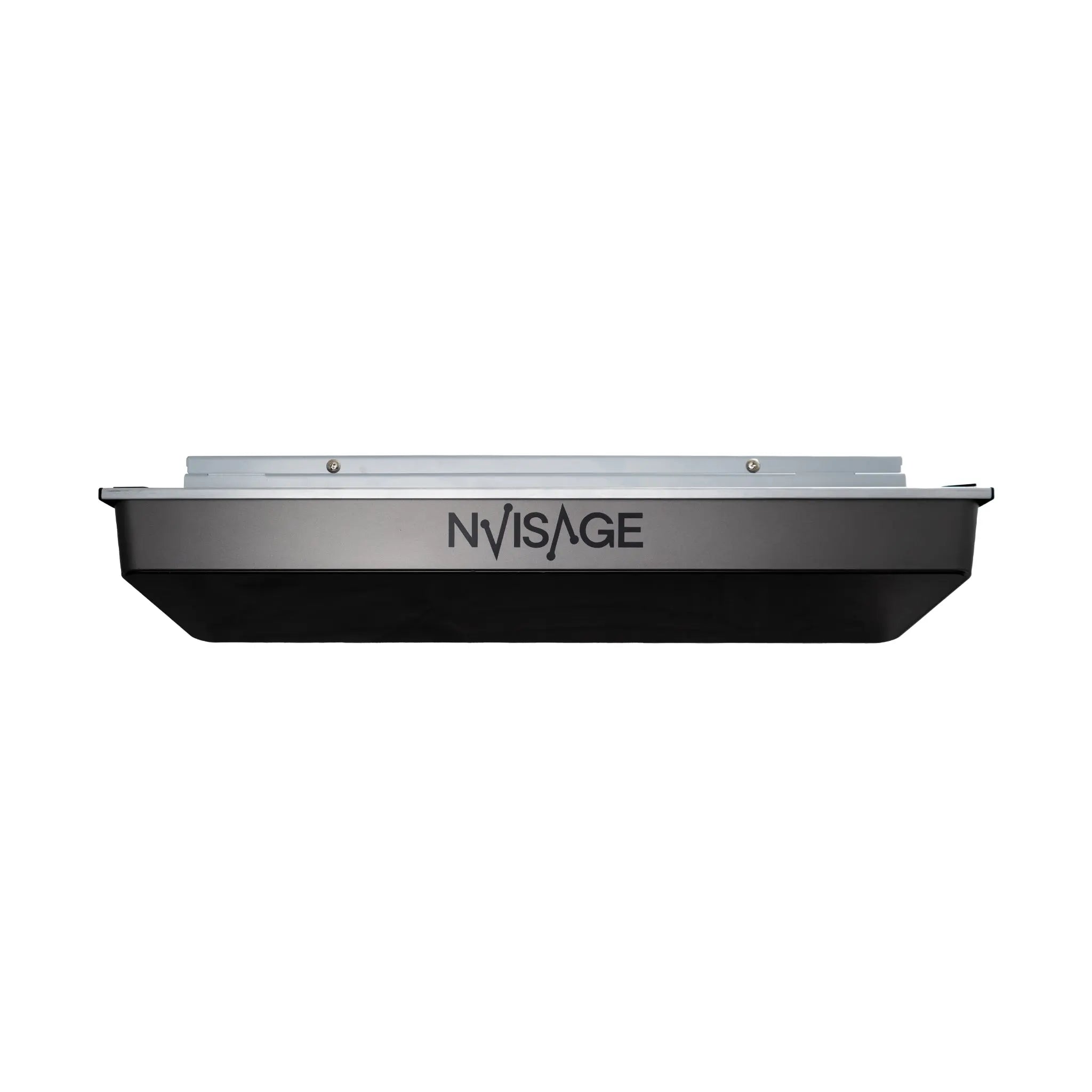
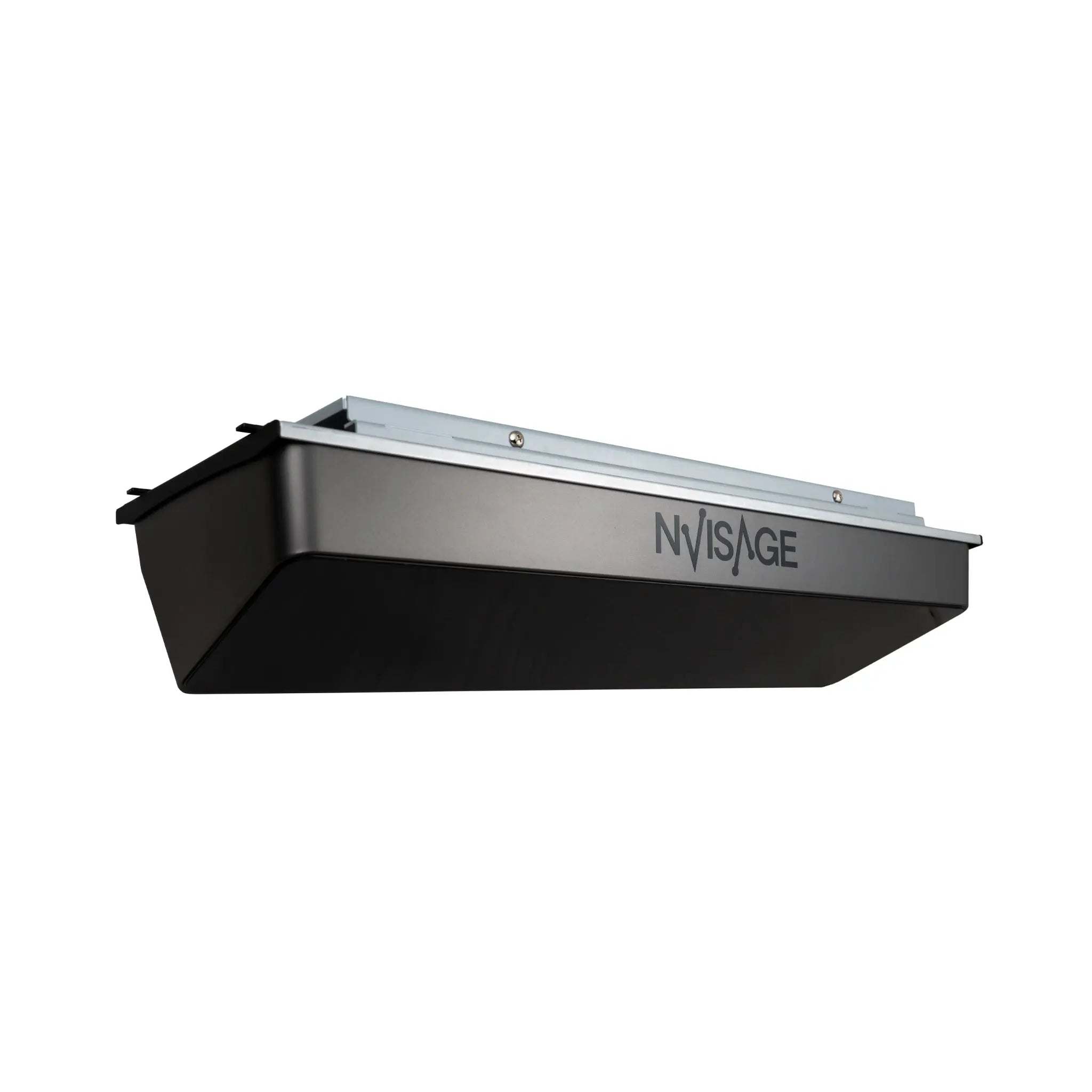
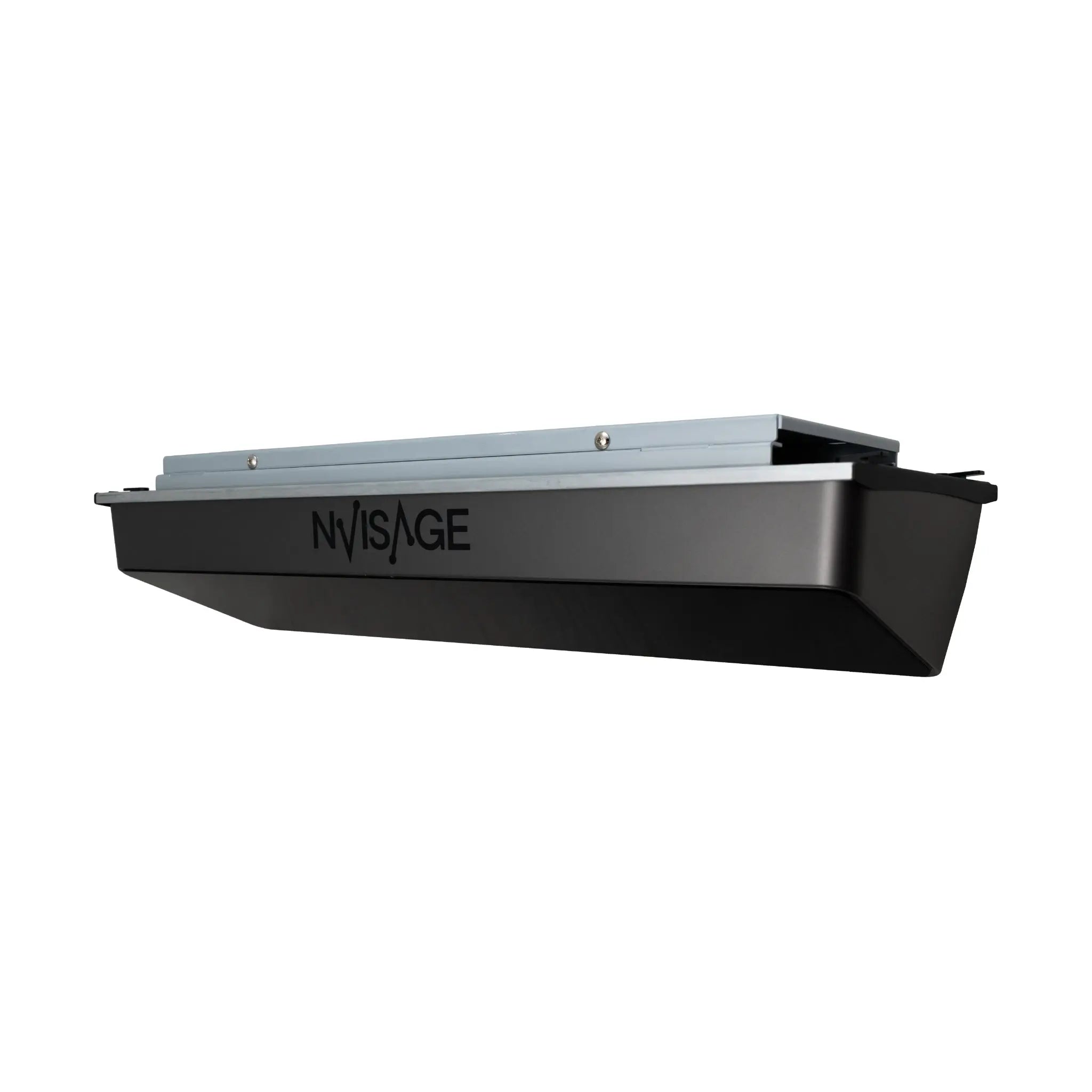
The Nvisage N1 is the most affordable overhead-mounted launch monitor on the market — bringing the clean, professional look and accuracy of ceiling-mounted systems to golfers who previously couldn't justify the cost. Featuring dual 2,000 FPS cameras, the PhysX 6D Physics Engine, and a spacious 24" × 20" hitting zone, the N1 delivers reliable ball and club data that rivals monitors costing twice as much.
With native GSPro and E6 Connect compatibility — no connector fees, no subscriptions — the N1 lets you focus your budget on the rest of your simulator build while still getting the overhead advantage: a clear hitting area, protection from stray shots, and that premium simulator aesthetic.
Key Benefits
✔ Overhead-Mounted Design
Installed 9–10 feet above the hitting surface, the N1 stays completely out of your swing path. No floor clutter, no risk of club strikes, and a clean professional look that matches commercial simulator setups.
✔ Most Affordable Overhead Launch Monitor
Get into overhead launch monitor territory without the premium price tag. The N1 delivers accurate data at a fraction of what you'd pay for comparable ceiling-mounted systems.
✔ Dual 2,000 FPS High-Speed Cameras
Two ultra-high-speed cameras capture spin rates and ball movement with precision, powered by the sophisticated PhysX 6D Physics Engine for realistic ball flight simulation.
✔ 8 Essential Data Parameters
The N1 focuses on the metrics that matter most for accurate ball flight simulation — club speed, ball speed, launch angles, and complete spin data — without overwhelming you with unnecessary complexity.
✔ Spacious 24" × 20" Hitting Zone
A generous hitting area gives you room to tee up naturally without worrying about precise ball placement, and provides mounting flexibility in tighter simulator spaces.
✔ No Subscription Fees
GSPro and E6 Connect integration comes standard with no connector licenses or recurring costs. Your only ongoing expense is the simulation software you choose.
✔ Compact & Easy to Install
At just 21.8" × 6.9" × 4.9", the N1 is one of the smallest overhead monitors available. Mount it directly to your enclosure frame or ceiling with the included hardware.
✔ Proven Accuracy
Independent testing shows the N1 delivers ball speed, spin, and launch angle data that closely matches premium overhead monitors like the Uneekor EYE XO2 — at a significantly lower price point.
Who Is This For?
✅ Budget-conscious golfers who want overhead launch monitor quality without the premium price
✅ Simulator builders who prefer a clean, floor-free hitting area
✅ Golfers stepping up from floor-mounted monitors who want the overhead experience
✅ DIY simulator enthusiasts who want to allocate more budget to enclosure, screen, and projector
✅ GSPro and E6 Connect users who want seamless integration with no extra fees
What's Measured
Data Parameters (8 Total):
- Club Speed
- Ball Speed
- Launch Angle (Vertical)
- Horizontal Launch Angle
- Back Spin
- Side Spin
- Spin Axis
- Total Spin (Calculated)
These are the core metrics that GSPro and E6 Connect use to calculate realistic ball flight — carry distance, total distance, curve, apex, and landing angle are all derived from this data by your simulation software.
What's Included
- Nvisage N1 Launch Monitor Sensor
- Calibration Board
- Power Adapter & Cable
- Ethernet Cable
- Ethernet to USB 3.0 Adapter
- 6 Mounting Screws
- Level (for installation alignment)
- 12 Specially Marked Golf Balls
Software & Simulation Compatibility
The N1 does not include proprietary software — instead, it integrates directly with the simulation platforms you're already planning to use:
- GSPro — 4K graphics, 300+ courses, active online community
- E6 Connect — Premium courses, online leagues, commercial-grade simulation
- MURLIE (Nvisage software) — Shot Analysis, Driving Range, Putting, and Record modes
No connector fees. No subscription required. Just plug in and play.
Technical Specifications
- Cameras: Dual 2,000 FPS high-speed cameras
- Physics Engine: PhysX 6D
- Data Points: 8 parameters (ball & club)
- Hitting Zone: 24" D × 20" W
- Dimensions: 21.8" L × 6.9" W × 4.9" H
- Mounting Position: Overhead, 9–10 feet above hitting surface
- Horizontal Position: 2 feet in front of the hitting area
- Ball Requirements: Specially marked balls with dot pattern (12 included)
- Connectivity: Ethernet (adapter included for USB 3.0)
- Warranty: 12-month manufacturer warranty
System Requirements
PC requirements are determined by your simulation software. Typical minimums:
- Operating System: Windows 10 (64-bit) Version 1803 or higher
- Processor: Intel i5 8400 or AMD Ryzen 3600X
- Graphics: NVIDIA GeForce GTX 1060 or AMD equivalent
- RAM: 8 GB minimum / 16 GB recommended
- Storage: 50+ GB free space (varies by software)
Note: The N1 is not compatible with Apple macOS or Linux. Windows PC required.
Installation & Mounting
The N1 is designed for straightforward overhead installation:
- Mount the unit 9–10 feet above your hitting surface
- Position 2 feet in front of the hitting area (toward the screen)
- Use the included level to ensure proper alignment
- Connect via Ethernet to your PC (USB 3.0 adapter included)
- Calibrate using the included calibration board
- Launch your simulation software and start hitting
Space Requirements: Minimum 9-foot ceiling height. The N1's compact size makes it suitable for garages, basements, and dedicated simulator rooms.
Enclosure Compatibility: The N1 can be mounted directly to ceiling joists or attached to enclosure frames. Compatible frame mounts are available for Carl's Place Pro Enclosures and similar systems.
About Marked Balls
The N1 requires specially marked golf balls with a specific dot pattern for accurate spin and trajectory tracking. 12 marked balls are included with your purchase, and additional balls are available separately.
The marked ball requirement allows the N1 to deliver accurate spin data at its price point. If you're coming from a Uneekor QED or similar system, you're already familiar with this approach.
Frequently Asked Questions
Why does the N1 require marked balls?
The dot pattern on marked balls allows the dual-camera system to accurately track spin rates and ball rotation. This is how the N1 achieves accuracy comparable to much more expensive monitors at its price point.
How does the N1 compare to the Uneekor EYE XO2?
Independent testing shows the N1 delivers remarkably similar ball speed, spin, and launch angle data to the EYE XO2 across driver, iron, and wedge shots — at a significantly lower price. The EYE XO2 offers more data parameters and additional features, but for core simulation accuracy, the N1 holds its own.
Is there a subscription fee?
No. GSPro and E6 Connect integration is included with no connector fees. You only pay for the simulation software itself (GSPro is a one-time purchase; E6 Connect has subscription options).
What ceiling height do I need?
Minimum 9-foot ceilings are recommended. The N1 mounts 9–10 feet above the hitting surface, so factor in your mat thickness and comfortable swing clearance.
Can I use my own golf balls?
No. The N1 requires the specially marked balls for accurate data capture. 12 are included, and replacements are available for purchase.
Does it work with GSPro?
Yes. The N1 connects natively to GSPro with no additional connector purchase required.
Does it track club data?
Yes. The N1 captures club speed as part of its 8 data parameters. However, it does not track club path, face angle, or attack angle — those metrics require a camera angle that sees the clubhead at impact (like the N2 or NEO-E).
What's the warranty?
The Nvisage N1 includes a 12-month manufacturer warranty covering defects in materials and workmanship.
Does it support Mac?
No. The N1 requires Windows 10 (64-bit) or higher. Mac and Linux are not supported.
Choose options