

SKYTRAK ST MAX Golf Simulator - Ultimate Studio Package
Everything You Need. One Complete Package. Powered by GOLFTEC.
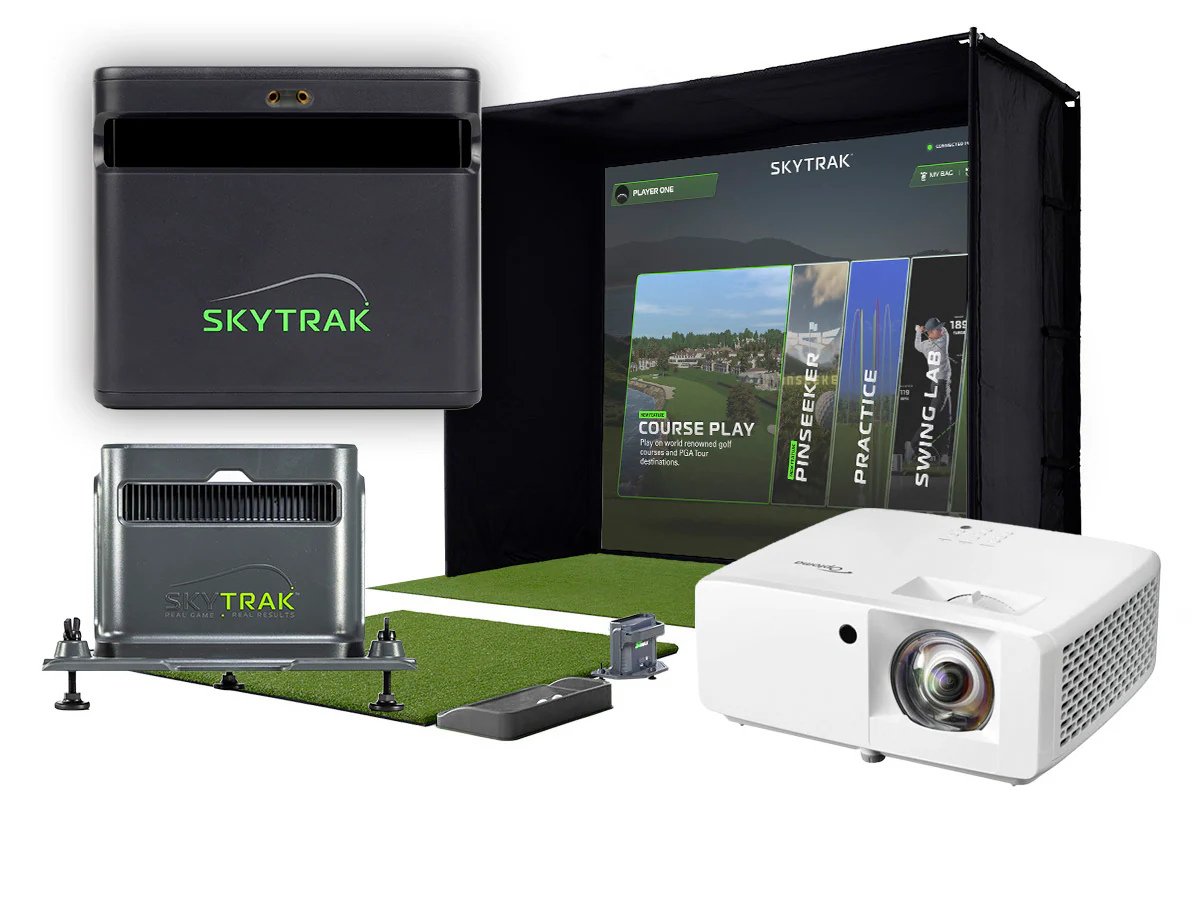
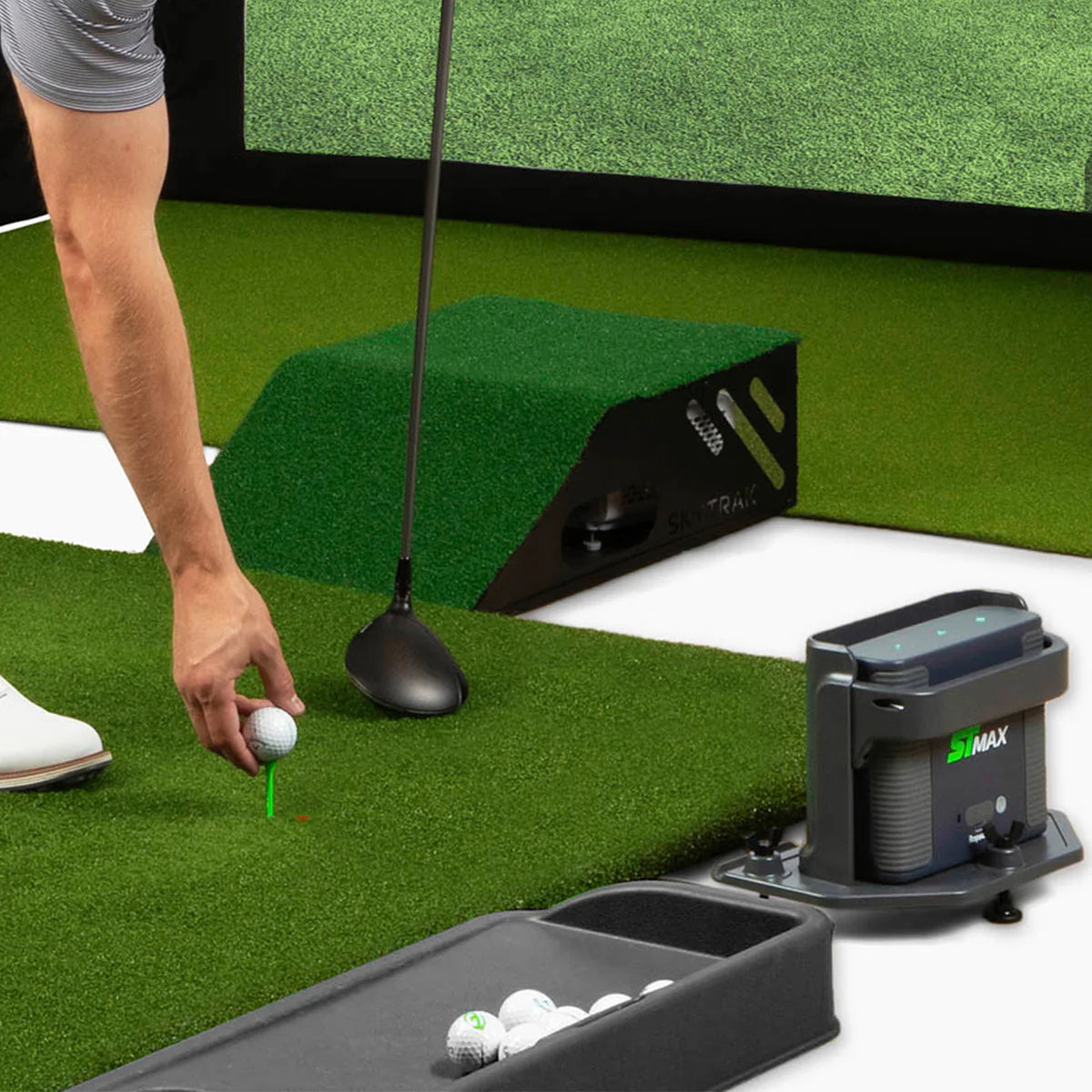
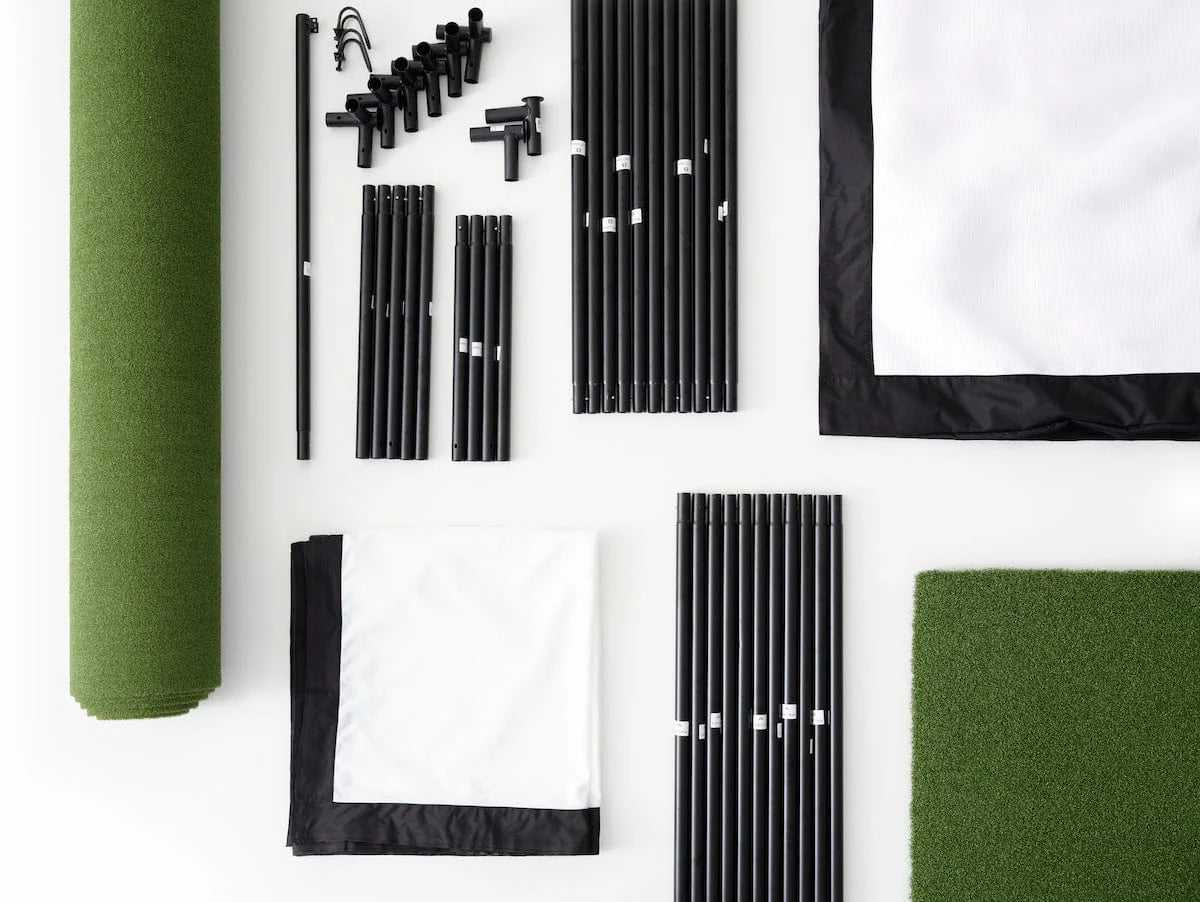
The SKYTRAK ST MAX Ultimate Studio Package is a complete golf simulator solution — launch monitor, enclosure, impact screen, projector, hitting mat, putting turf, and accessories bundled together for one seamless setup. Unbox, assemble, and start playing world-class courses from your garage, basement, or spare room.
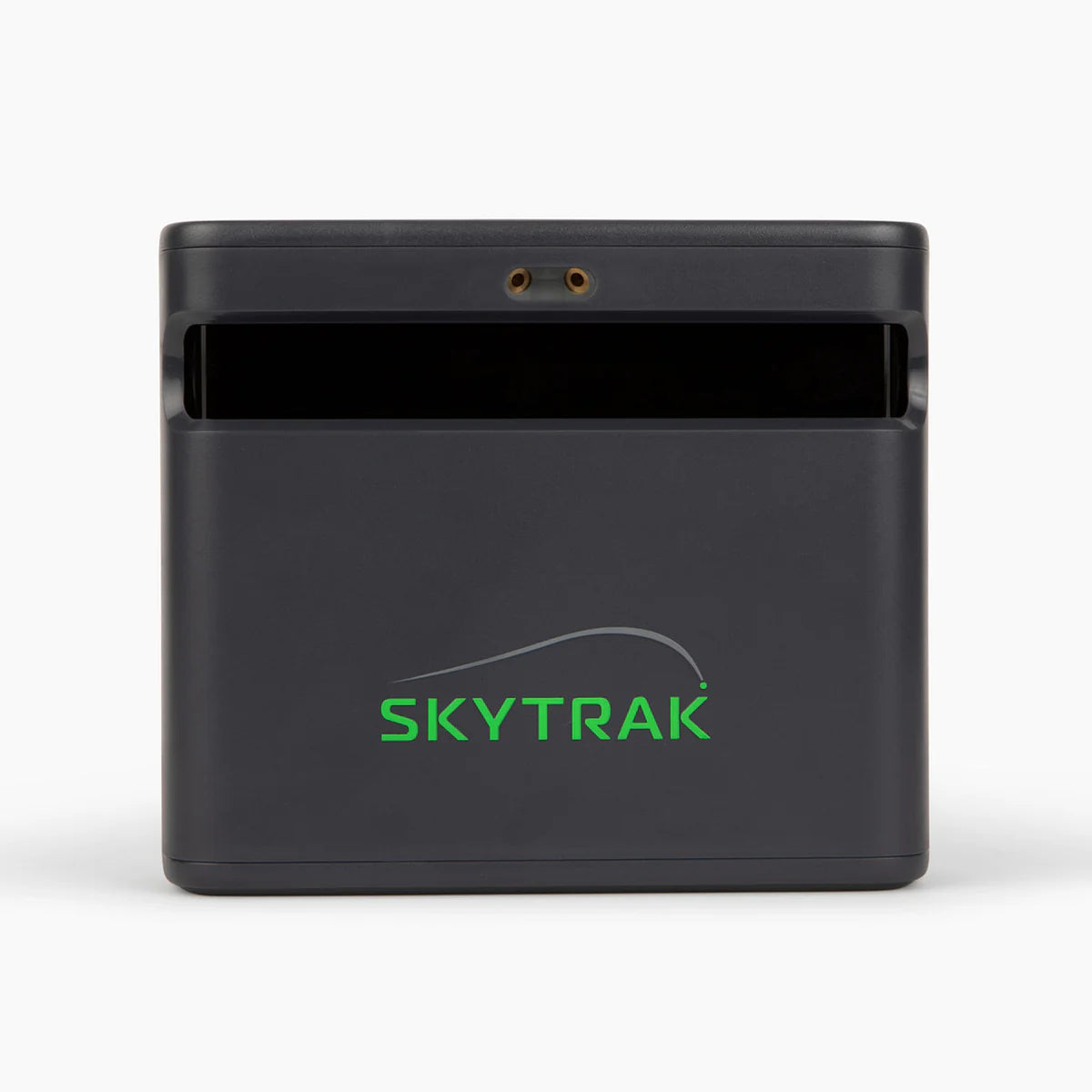
At the heart of the package is the SKYTRAK ST MAX Launch Monitor, featuring dual Doppler radar and photometric cameras for tour-level accuracy on both ball and club data. Exclusive Speed Training powered by GOLFTEC provides guided drills and measurable insights to help you build swing speed and unlock more distance — a feature you won't find on any other launch monitor at this price point.
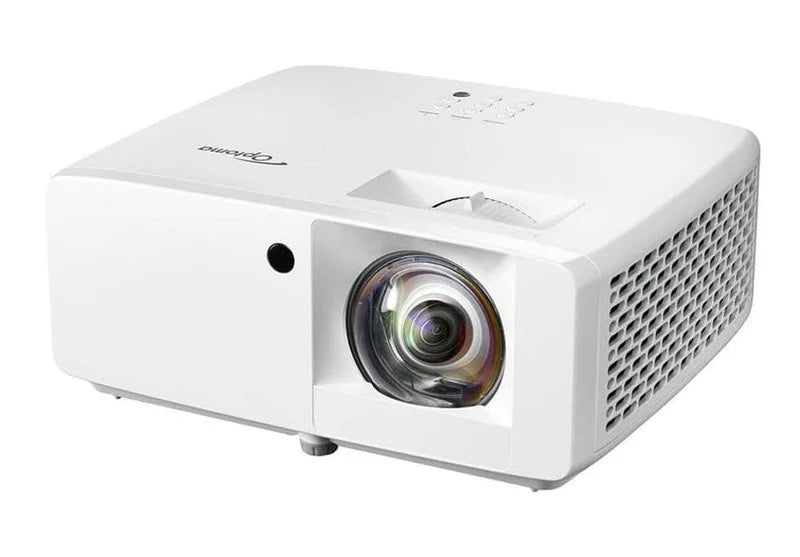
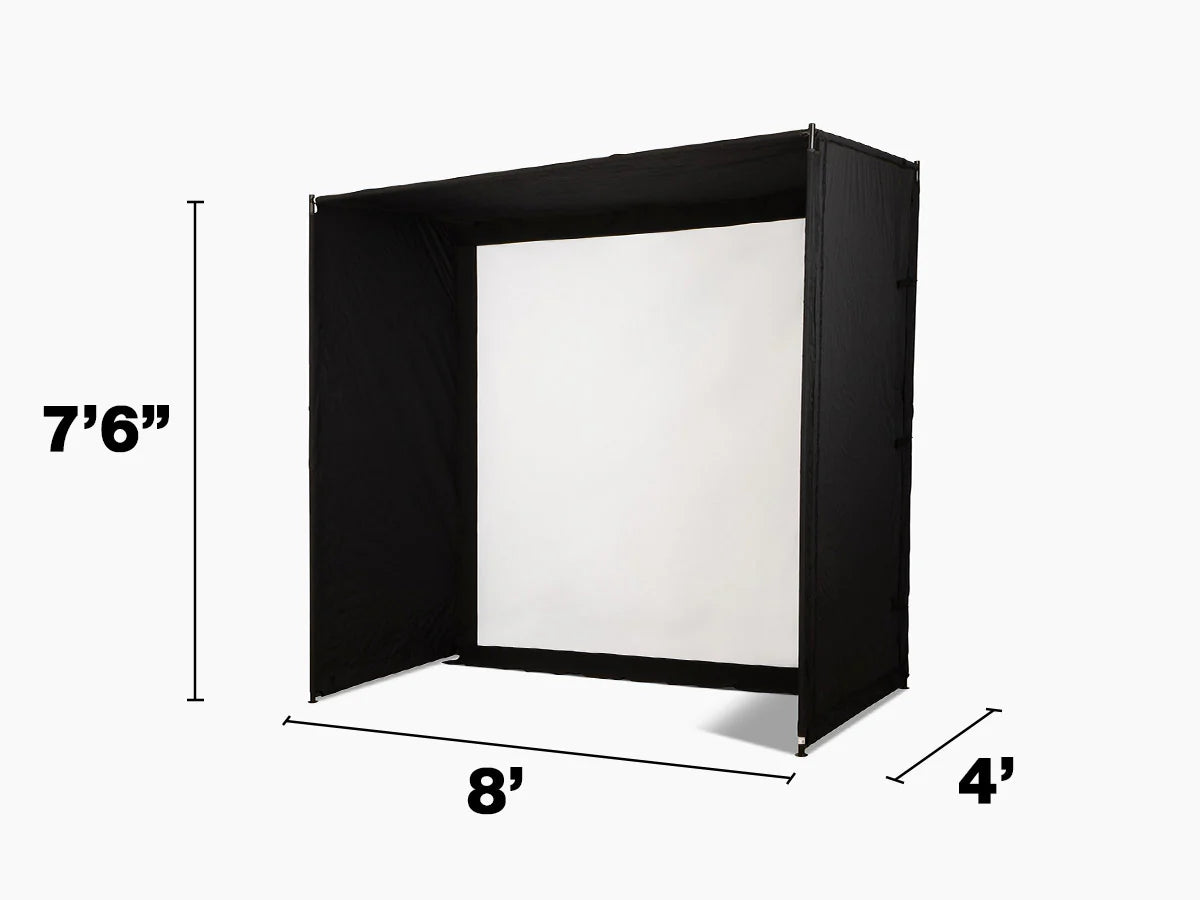
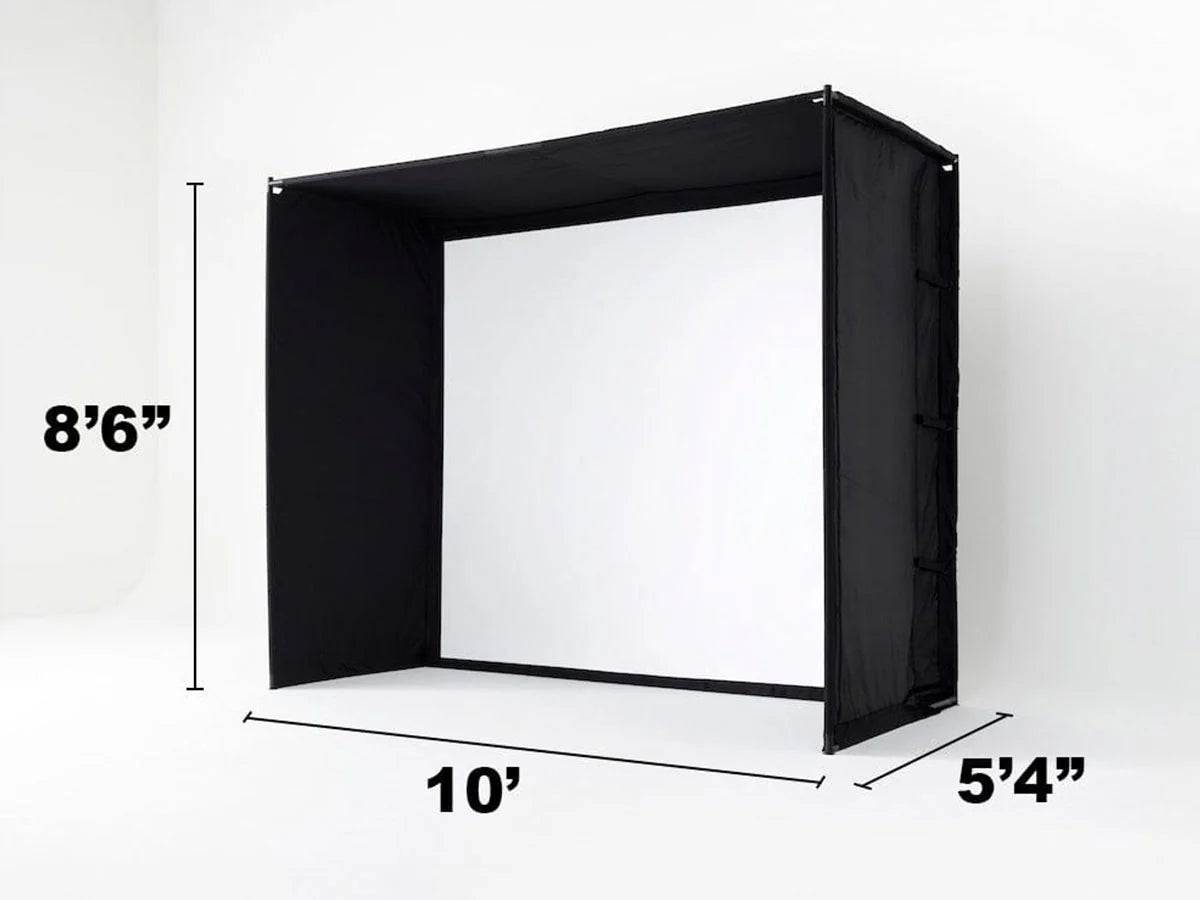
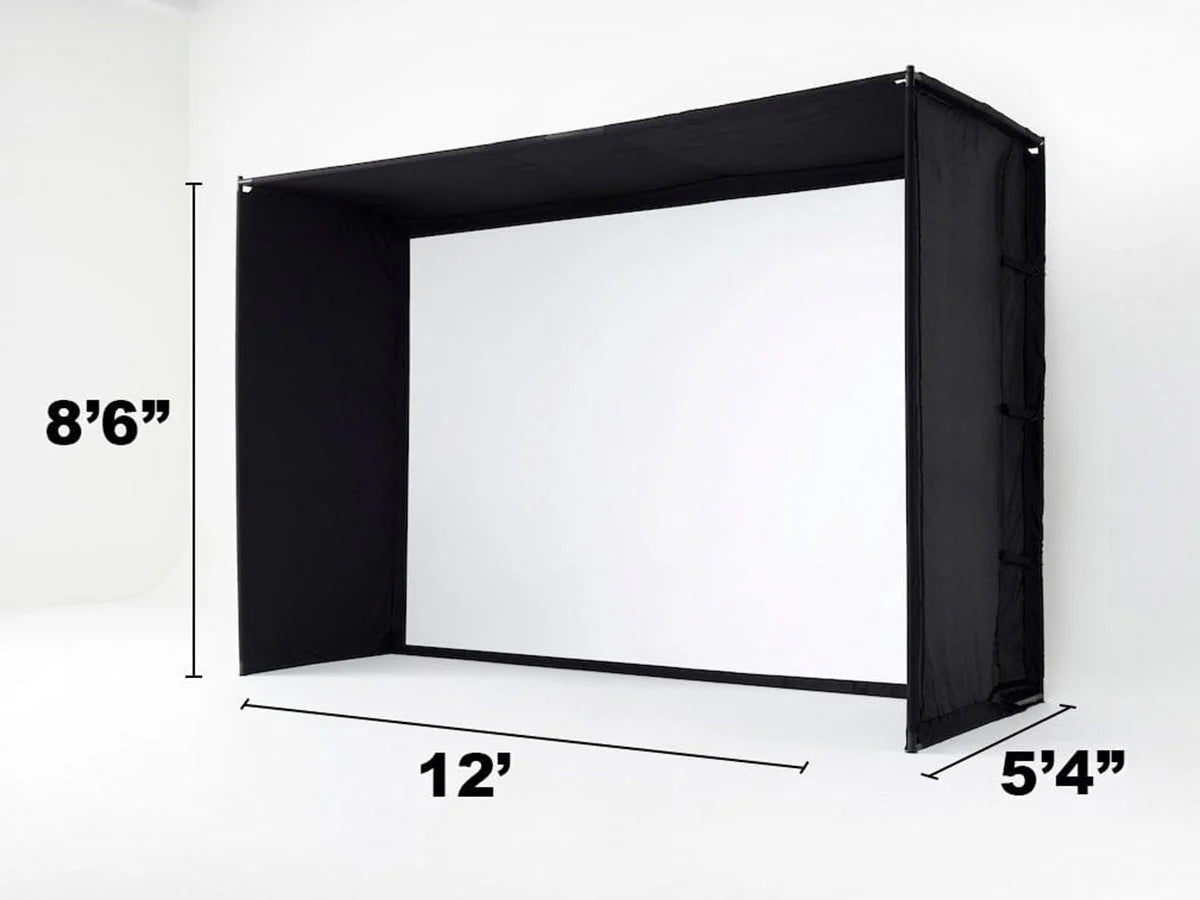
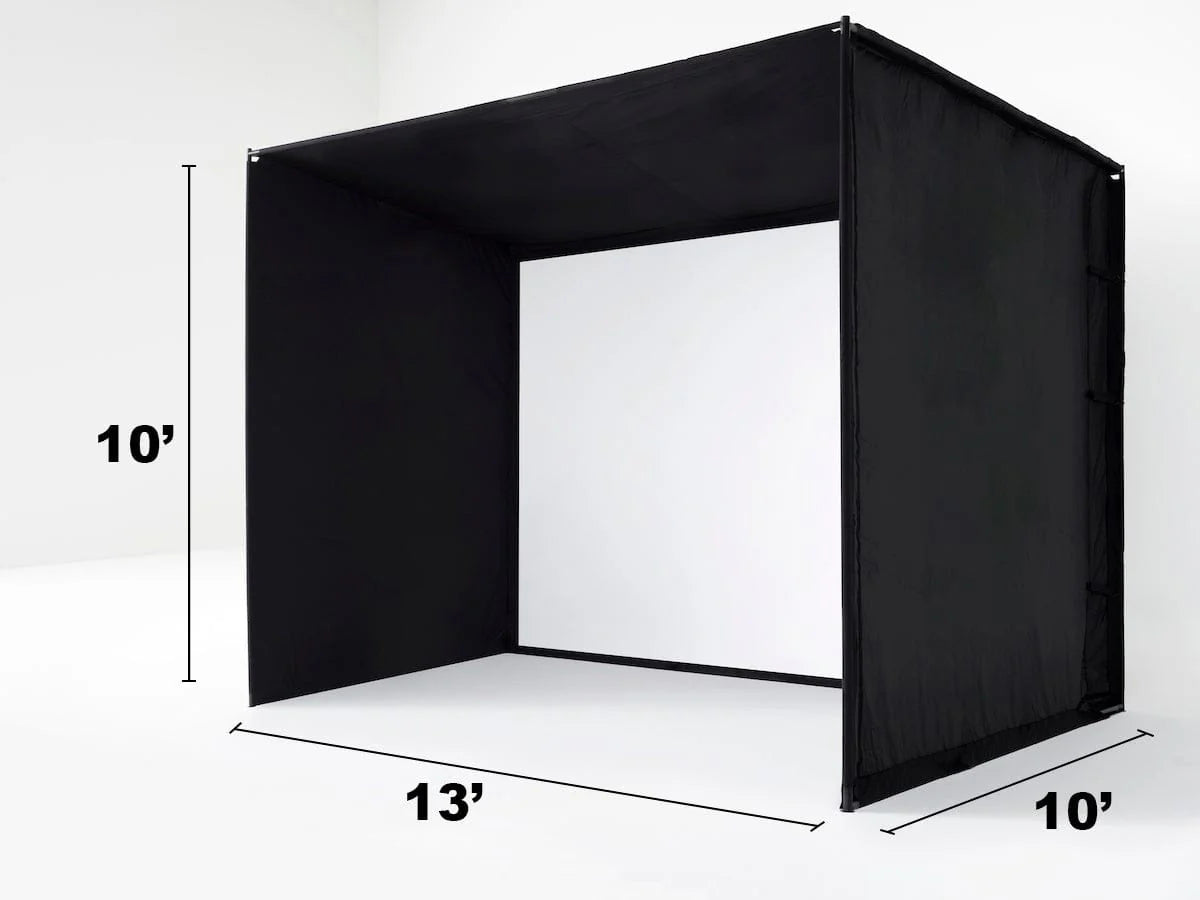
The included Optoma GT2000HDR projector delivers 3,500 lumens of Full HD clarity with HDR support and a 0.496:1 short-throw lens, creating an immersive visual experience even in rooms with ambient light. Four enclosure sizes (8', 10', 12', and 13' Deep) fit everything from compact garages to dedicated simulator rooms.
For golfers ready to bring the full simulator experience home without piecing together components from multiple vendors.
Key Benefits
✔ Complete Package — Nothing Else Required
Launch monitor, enclosure, screen, projector, mat, putting turf, ball tray, cables, and mounting hardware all included. Just add a computer or compatible device.
✔ ST MAX Launch Monitor with Dual Technology
Combines dual Doppler radar with photometric cameras for accurate ball and club data — no club stickers required. 15 total data points including club path, face angle, spin, launch, and carry.
✔ Exclusive Speed Training by GOLFTEC
The only launch monitor in its class with integrated speed training. Guided drills and real-time feedback help you build swing speed safely and measurably.
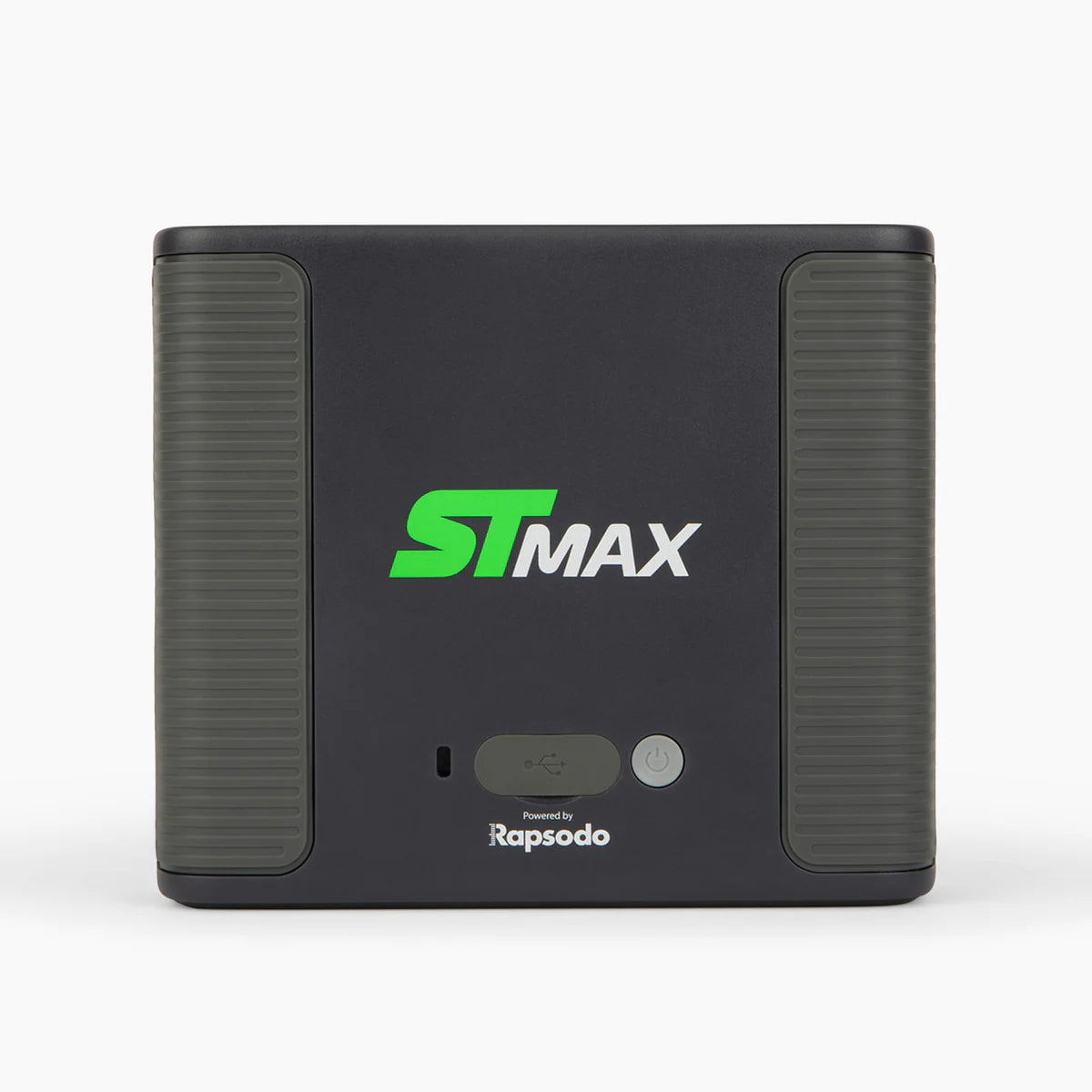
✔ Charge and Play — Dual USB-C Ports
Two USB-C ports allow simultaneous charging and data transfer, so your session never pauses for battery.
✔ Optoma GT2000HDR Projector Included
3,500 lumens, 1080p Full HD, HDR10/HLG support, 0.496:1 short-throw lens, and 30,000-hour DuraCore laser. Project a 100" image from just over 3 feet.
✔ Four Size Options
Studio 8', Studio 10', Studio 12', and Studio 13' Deep — from compact spaces to dedicated rooms with high ceilings.
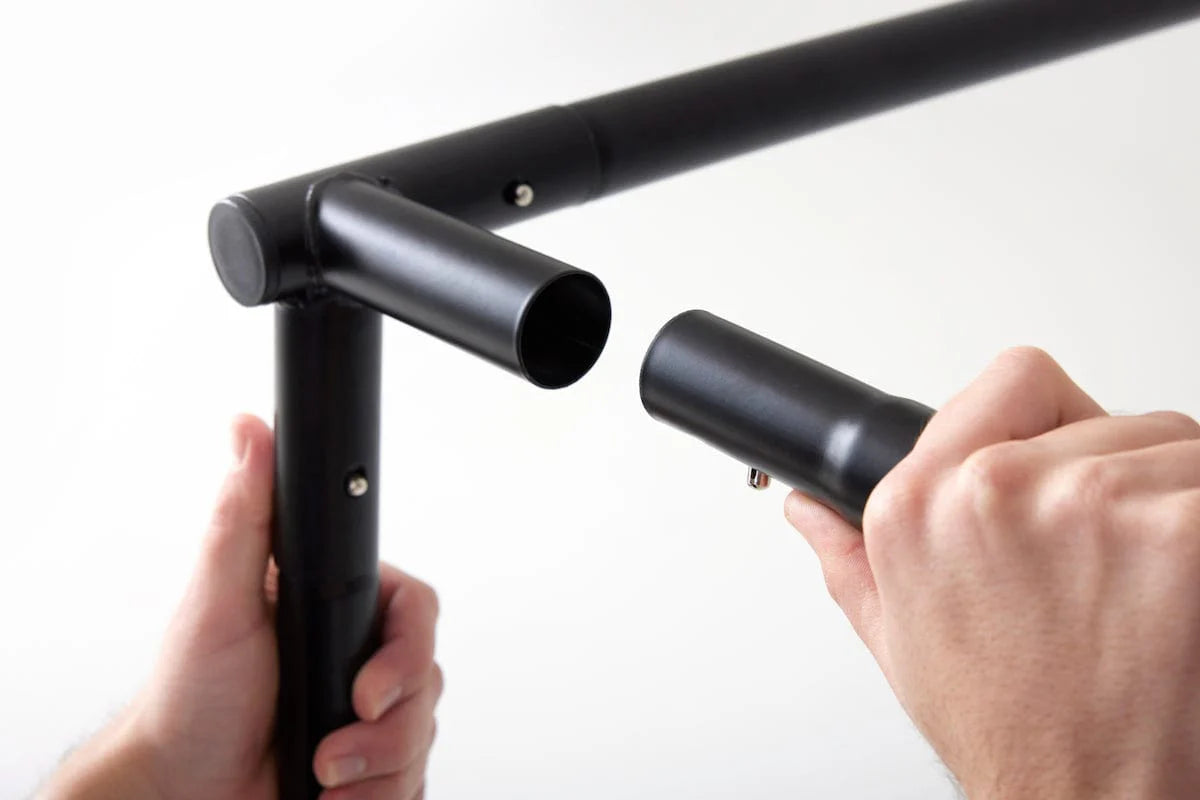
✔ Easy-Build Steel Frame
Sturdy steel frame with high-impact stretch screen. Designed for quick assembly — most installations complete in under an hour.
✔ 14-Day Trial Membership Included
Access to Sweetens Cove plus all game improvement features including GOLFTEC Practice Ranges to get you started immediately.
Who Is This For?
✅ First-time simulator buyers who want everything in one box
✅ Golfers upgrading from nets or basic setups to a full visual experience
✅ Players focused on improvement who want data-driven practice and speed training
✅ Families and multi-golfer households looking for year-round entertainment
✅ Homeowners with garages, basements, or spare rooms to dedicate to golf
✅ Anyone who values convenience — matched components, single-source support
What's Included
- SKYTRAK ST MAX Launch Monitor — Dual Doppler radar + photometric cameras, 15 data points, charcoal grey finish, dual USB-C connectivity
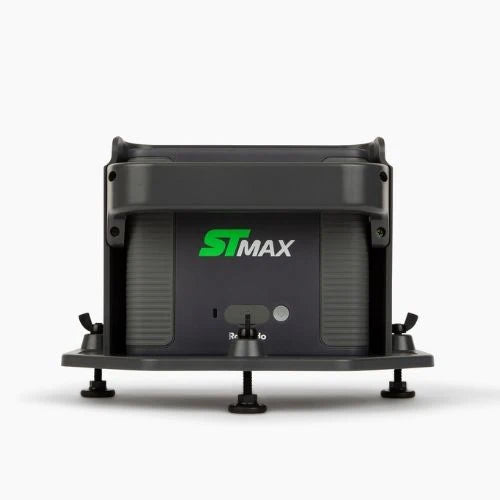
- ST MAX Protective Case — Engineered to withstand ball strikes up to 100 mph
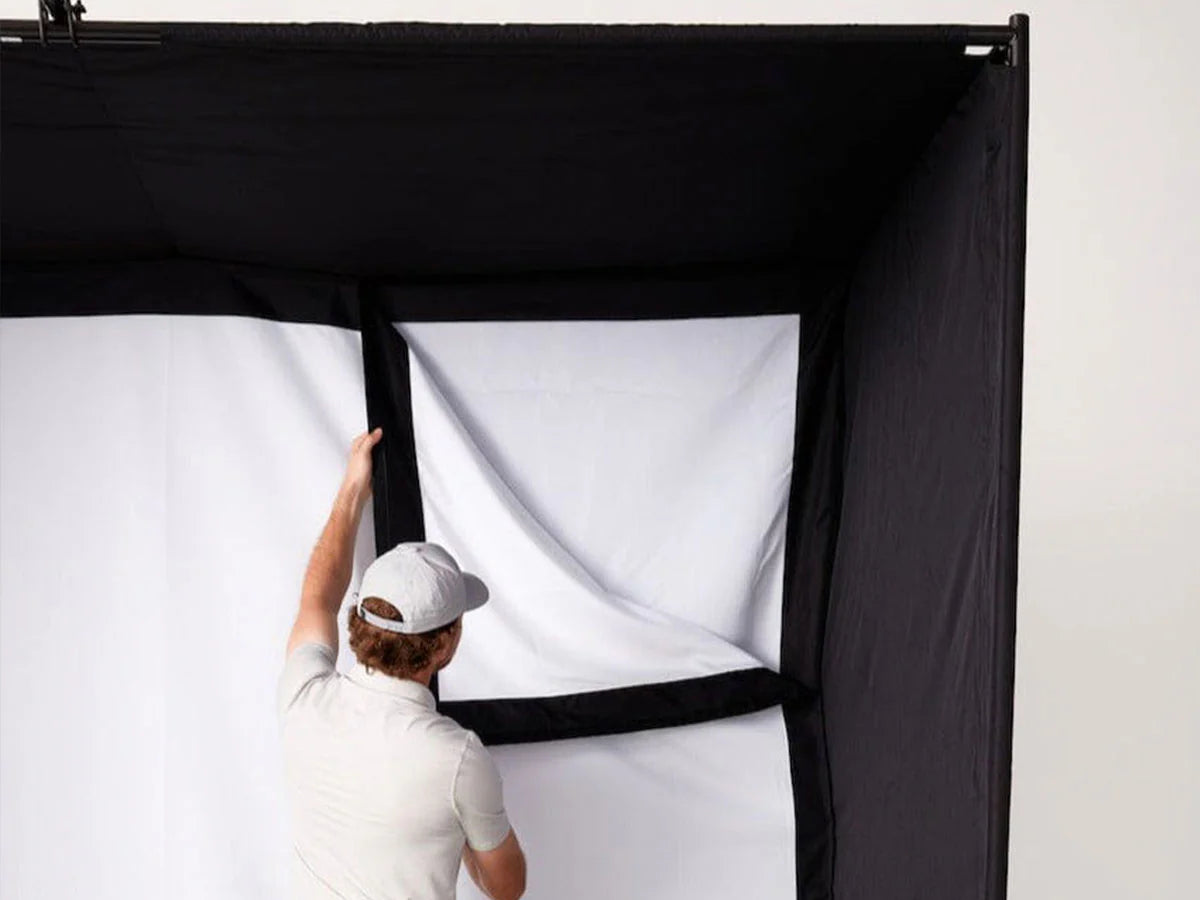
- Enclosure, Screen & Steel Frame — Heavy-duty black fabric surround with high-impact stretch screen
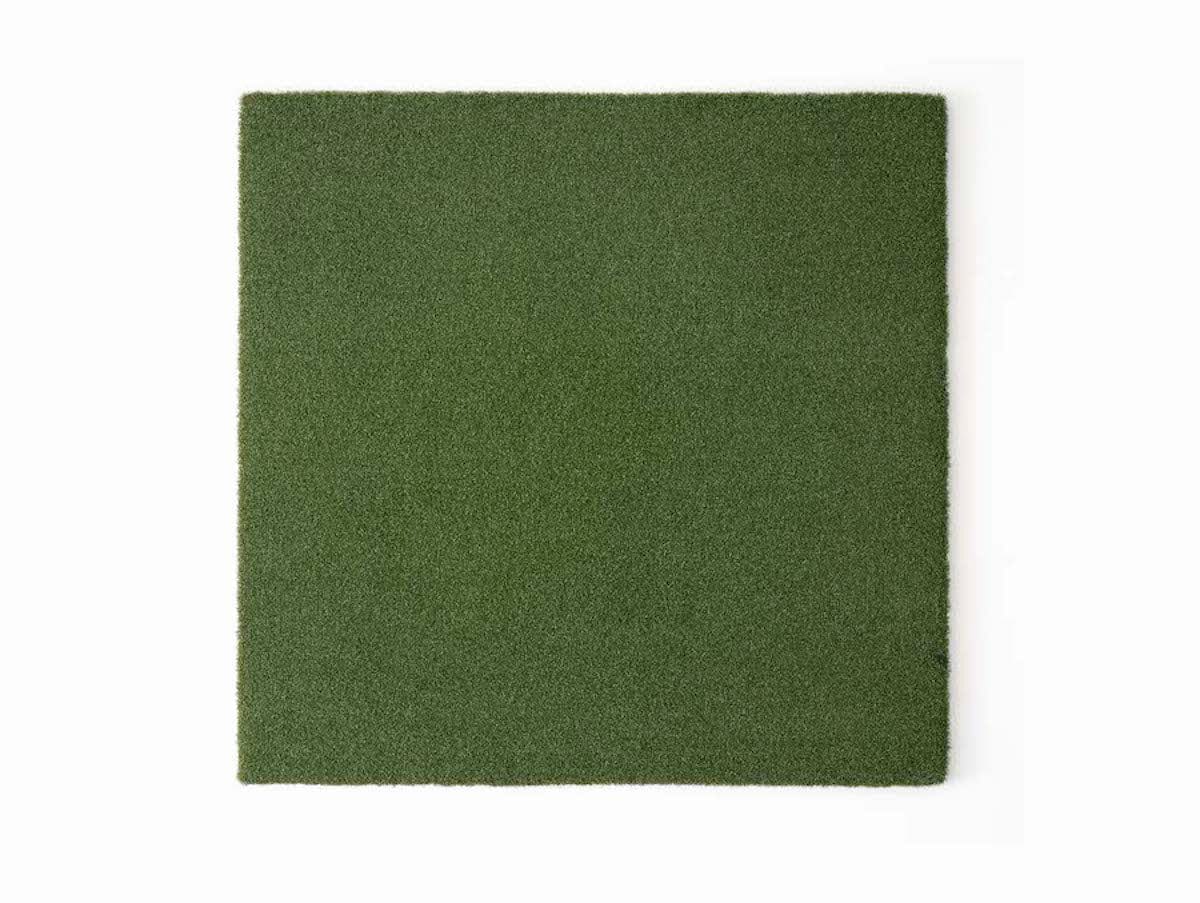
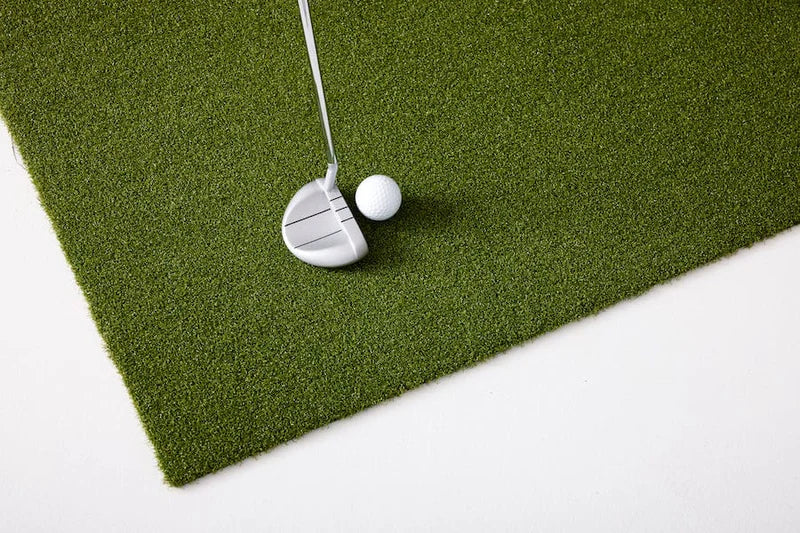
- 5' × 5' Hitting Mat — True-turf feel, cushioned for comfort, firm enough for all swing types
- Putting Turf — Seamlessly embedded for authentic short-game practice and smooth ball roll
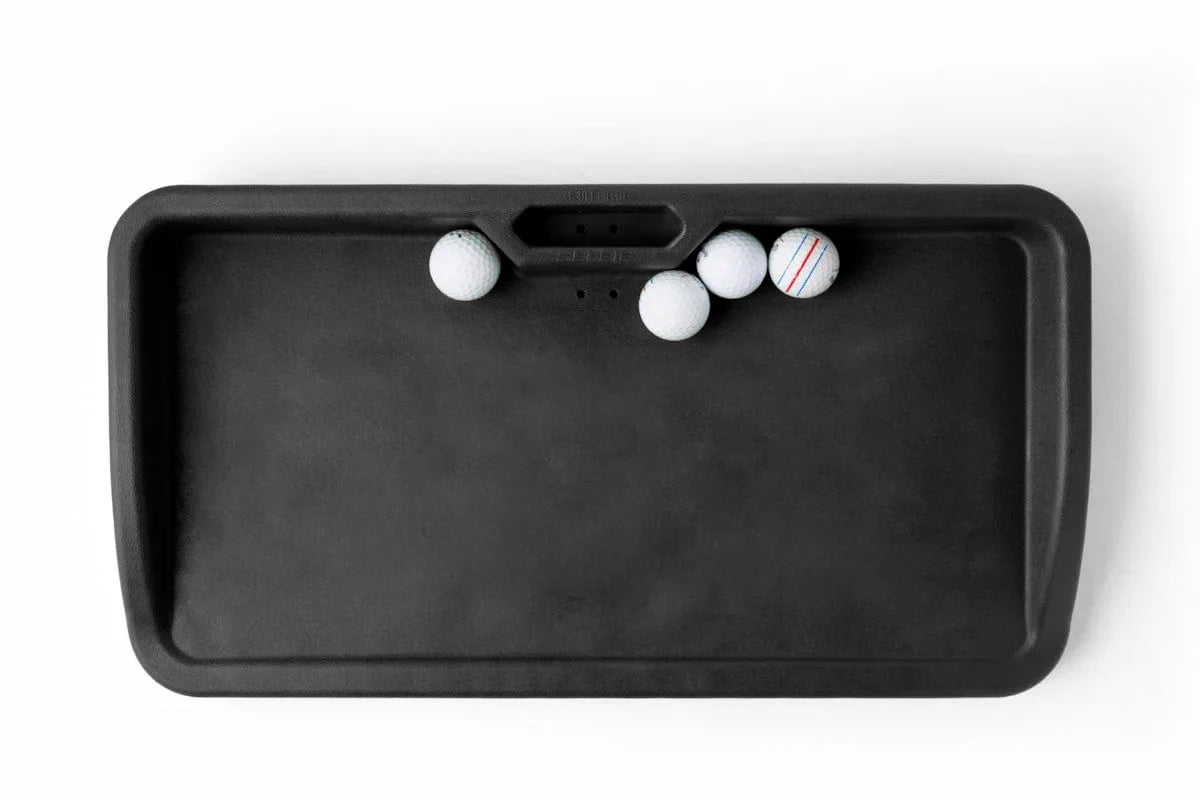
- Ball Tray — Holds up to 100 balls with built-in cellphone holder (black)
- Optoma GT2000HDR Projector — 3,500 lumens, 1080p Full HD, HDR10/HLG, short-throw laser, 30,000-hour life
- HDMI Cable — Premium cable for projector connection
- Protective Floor Projector Mount — Included with 8' Studio only; protects projector during play
- 14-Day Trial Membership — Access to Sweetens Cove and all game improvement features
Choose Your Studio Size
| Studio Size | Width | Height | Depth | Projector Mount |
|---|---|---|---|---|
| Studio 8' | 8 ft | 7 ft 5 in | 4 ft | Floor mounted (included) |
| Studio 10' | 10 ft | 8 ft 6 in | 5 ft 4 in | Frame or ceiling mounted |
| Studio 12' | 12 ft | 8 ft 6 in | 5 ft 4 in | Frame or ceiling mounted |
| Studio 13' Deep | 13 ft | 10 ft | 10 ft | Frame or ceiling mounted |
Studio 8': Best for compact spaces with lower ceilings. Floor-mounted projector requires no overhead installation. Ideal for garages or rooms without ceiling clearance.
Studio 10': Popular choice for standard two-car garages. Requires 8'6"+ ceiling plus swing clearance.
Studio 12': Wider hitting area for added comfort. Same height as Studio 10', fits larger garage bays.
Studio 13' Deep: Premium option with 10' height and 10' depth. Designed for dedicated simulator rooms with high ceilings. Maximum immersion.
Important: Consider ceiling height for your swing, not just the enclosure. Take practice swings in your intended space to confirm comfortable clearance.
ST MAX Launch Monitor Specifications
Dimensions & Build
- Size: 7" (H) × 8" (W) × 2.75" (D)
- Weight: 3 lbs
- Finish: Charcoal grey
- Connectivity: Dual USB-C ports (charge + data simultaneously), Wi-Fi, Bluetooth
Tracking Technology
- Primary System: Dual Doppler Radar + Photometric Cameras
- Club Stickers: Not required
- Indoor/Outdoor: Both (avoid direct sunlight on lens outdoors)
Ball Data (9 Parameters)
- Carry Distance
- Total Distance
- Ball Speed
- Back Spin
- Side Spin
- Spin Axis
- Launch Angle
- Side Angle
- Descent Angle
Club Data (6 Parameters)
- Club Head Speed
- Smash Factor
- Club Path
- Face Angle
- Face-to-Path
- Shot Shape
Exclusive Features
- Speed Training by GOLFTEC: Guided drills to build swing speed — no ball required in Speed Mode
- Shot Score: Benchmark performance against millions of shots in the SKYTRAK database
- Modular Internal Design: Fewer components, faster calibration, consistent precision
GT2000HDR Projector Specifications
- Resolution: 1080p Full HD (1920 × 1080)
- Brightness: 3,500 lumens
- Contrast Ratio: 300,000:1
- Throw Ratio: 0.496:1 (fixed, short-throw)
- 100" Image Distance: Approximately 3.3 feet
- Light Source: DuraCore Laser, 30,000-hour life
- HDR Support: HDR10, HLG
- Input Lag: 8.6ms @ 1080p/120Hz (Gaming Mode)
- Inputs: 2× HDMI 2.0, VGA
- Speaker: Built-in 15W
- Dust Protection: IP6X sealed optics
- Operation: 24/7 rated, 360° mounting
System Requirements
PC — Minimum:
- Windows 7 (32-bit or 64-bit)
- Intel Core i3 processor
- 8 GB RAM
- 128GB SSD
- NVIDIA GTX 1650 / AMD Radeon 580 graphics
- Broadband internet connection
PC — Recommended:
- Windows 10 or 11 (64-bit)
- Intel i5-11500K / AMD Ryzen 3600
- 16 GB RAM or greater
- 500GB SSD
- NVIDIA GTX 1060 / AMD RX 5600 with 4GB+ VRAM (HD); RTX 2060 / RX 6600 with 8GB+ (4K); RTX 3060 / RX 6800+ (Max)
- 5GHz Wi-Fi or Ethernet for PC + Wi-Fi for launch monitor
iOS/macOS:
- Apple M1 chip or better required
- MacBook Pro or iPad Pro only for macOS/iOS
- iPad Pro Gen 1 or newer
- iPad Air 2019 or newer
- iPhone 8 or newer
- iPad Mini (2019 or newer)
Android:
- 12GB RAM minimum
- 64GB storage minimum
- 2020 model or newer
- Samsung Galaxy S6/Tab S2 or newer, Google Pixel C or newer
Software Compatibility
The ST MAX works with all major golf simulation software:
- SKYTRAK App: Native course play, practice ranges, skills assessments, bag mapping, wedge matrix (Windows, macOS, iOS, Android)
- GSPro: Popular third-party simulator software
- E6 Connect: Premium course play
- TGC 2019: The Golf Club simulation
- Creative Golf 3D
- Awesome Golf
Membership Note: The 14-day trial unlocks Sweetens Cove and game improvement features. To access full Course Play libraries and advanced features, add an Essential, Core, or Elite SKYTRAK Membership plan.
Installation
The SKYTRAK Studio features an easy-build steel frame system designed for quick assembly:
- Assemble steel frame using included connectors
- Attach black fabric surround panels
- Mount high-impact stretch screen
- Position hitting mat and embedded putting turf
- Set up projector (floor mount for 8', frame/ceiling mount for 10'/12'/13')
- Connect HDMI cable and power
- Position ST MAX launch monitor behind the ball
- Connect to SKYTRAK app and calibrate
Assembly Time: Most installations complete in under 1 hour
Tools: Basic hand tools; ladder recommended for ceiling-mounted projector
Professional Installation: Geek Squad™ Studio Installation service available (sold separately)
Projector Mounting Options
Studio 8' — Floor Mounted:
- Included protective floor mount positions projector safely
- No ceiling installation required
- Ideal for garages or rooms without overhead clearance
- Full screen image achieved with floor mount
Studio 10', 12', 13' Deep — Frame or Ceiling Mounted:
- Projector mounts to studio frame or ceiling
- Ceiling mount hardware included
- Overhead positioning displays visuals above the hitting area
- Full screen projected image requires ceiling mount or frame mount
Warranty
Studio Enclosure: 1-year warranty from manufacturing defects (domestic use)
Impact Screen: Consumable item that will wear over time. To prolong life:
- Use clean, relatively new golf balls with no marker markings, cuts, or scratches
- Attach included Velcro border protection around entire screen edge before use
- Failure to properly set up voids warranty
ST MAX Launch Monitor: 6-month warranty or 25,000 shots (whichever comes first)
Projector: Covered by Optoma warranty (2-year parts and labor limited warranty)
Shipping & Returns
Shipping: Free shipping on all SKYTRAK products within the United States.
Returns: 30-day return window from purchase date. Products must be returned in original packaging with all parts and components, showing no signs of wear or damage.
Restocking Fees:
- Up to 40% restocking fee if returned products show visible wear, missing components, or cannot be resold as new
- Launch monitor damage: Up to 40% restocking fee
- Projector: Up to 40% restocking fee after inspection
- Customer responsible for return shipping on all studio exchanges
Frequently Asked Questions
What computer or device do I need?
A Windows PC (i3 minimum, i5 recommended), Mac with M1 chip, iPad Pro, or compatible Android device. See System Requirements for full specifications. The ST MAX connects via Wi-Fi or USB-C.
Is a SKYTRAK membership required?
The 14-day trial is included. After that, basic features remain free, but Course Play and advanced Game Improvement tools require an Essential, Core, or Elite membership (sold separately).
Can I use GSPro or other third-party software?
Yes. The ST MAX is compatible with GSPro, E6 Connect, TGC 2019, Creative Golf, and other major simulator software.
How accurate is the ST MAX?
The dual Doppler radar + photometric camera system delivers tour-level accuracy comparable to high-end launch monitors. Club data is measured directly by radar, not calculated from ball flight.
Do I need club stickers?
No. The ST MAX captures club data without requiring reflective stickers on your clubs.
What's the difference between ST MAX and ST+?
The ST MAX adds exclusive Speed Training by GOLFTEC, dual USB-C ports (charge + data simultaneously), a new charcoal grey finish, and improved internal architecture. The core tracking accuracy is similar.
Which studio size should I choose?
Measure your space and consider ceiling height for your swing, not just the enclosure. Studio 8' fits compact spaces. Studio 10' is popular for standard garages. Studio 12' adds width. Studio 13' Deep is premium for dedicated rooms with 10'+ ceilings.
Can I use the ST MAX outdoors?
Yes. The Doppler radar works well outdoors. Avoid direct sunlight on the lens for best camera accuracy.
What if I need professional installation?
Geek Squad™ Studio Installation service is available for purchase separately through SKYTRAK.
Is the projector bright enough for my space?
At 3,500 lumens with HDR support, the GT2000HDR performs well in most home simulator environments including rooms with moderate ambient light. For fully lit rooms or commercial use, consider upgrading the projector separately.
Choose options


