

Where Side Station Ends and Main Event Begins.
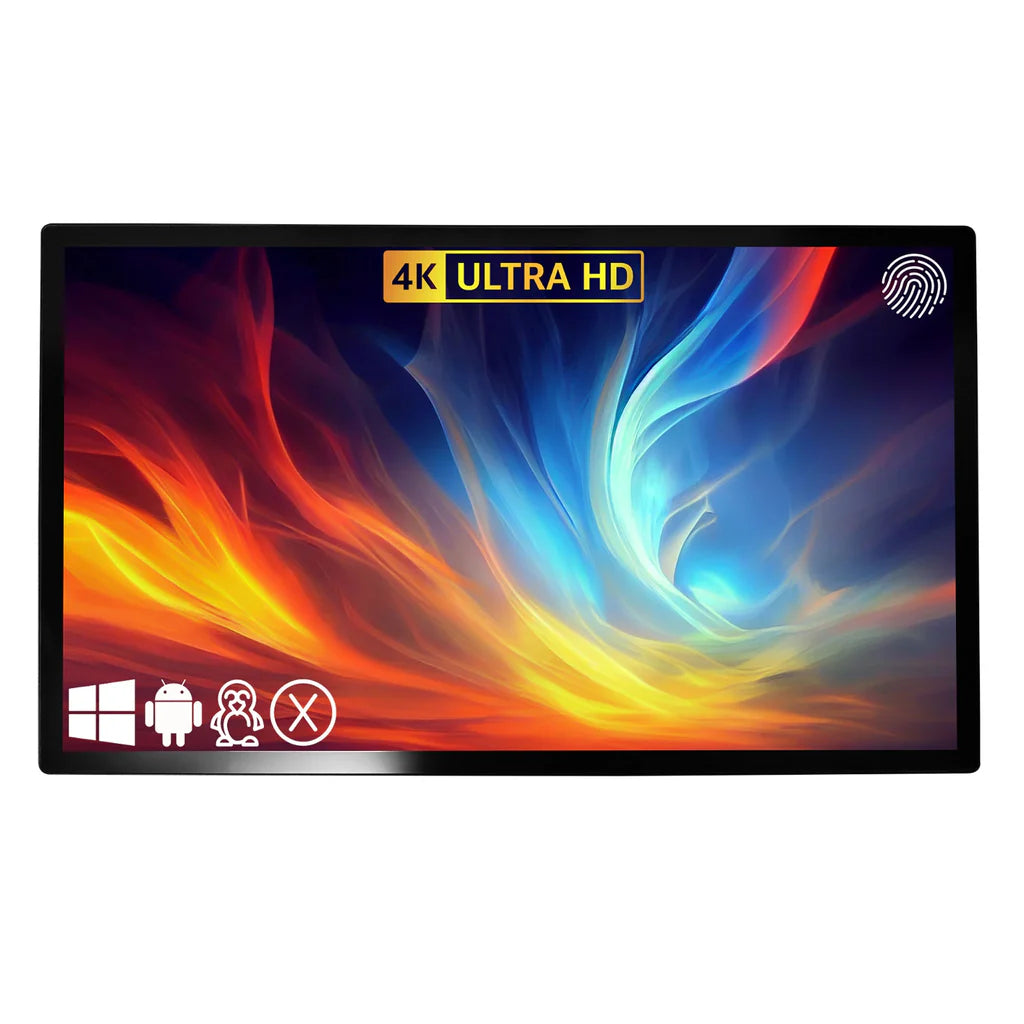
The TouchScreen Guru Ultra-Series 43" 4K Touch Monitor is the first size in the lineup where the monitor isn't just a sidebar — it is the experience. At 43 inches, this display is large enough to serve as a primary interface for simulator setups that don't use a projector, or as an impressively commanding side station for bays that do. Either way, it commands attention and delivers the clarity and responsiveness your setup deserves.
The 43" Ultra-Series steps up to an LG IPS panel rated at 700+ nits — a significant brightness increase over the 27" and 32" models — making it the right choice for brighter environments, open rooms, or commercial venues with overhead lighting that would wash out lesser displays. The IP65-sealed front glass, 10-point multi-touch, and commercial 24/7 duty cycle remain unchanged from the rest of the Ultra-Series lineup.
For golf centers, entertainment venues, and serious home builds that want a large-format touch display capable of running full simulator software — not just side menus — this is the model that opens up new possibilities for how your space is used.
Key Benefits
- ✔ True 4K Resolution (3840 × 2160) — Sharp at viewing distances from arm's reach to across the room
- ✔ 700+ Nits LG IPS Display — Significantly brighter than smaller Ultra-Series models; ideal for lit commercial environments
- ✔ IP65-Sealed Front Glass — Commercial-grade protection against dust, sweat, and splashes
- ✔ 10-Point Multi-Touch (5ms response) — Fast, accurate touch; works with gloves and styluses
- ✔ Anti-Glare + Anti-Fingerprint Nano Coating — Stays clean and readable under high-traffic commercial use
- ✔ TRU-Flat Zero Bezel Design — Edge-to-edge glass for a premium, professional presentation
- ✔ Versatile as Primary Display or Side Station — Large enough to run full simulator software as a main screen; also stunning as a control station
- ✔ Commercial 24/7 Rated — 50,000-Hour MTBF — Built to run shift after shift in high-volume venues
- ✔ Universal Simulator Compatibility — TrackMan, SkyTrak, Foresight, TruGolf, Uneekor, FlightScope, Full Swing, Golfzon, and more
Who Is This For?
- ✅ Commercial golf venues and entertainment centers that want a large-format touch interface as the centerpiece of each simulator bay
- ✅ Golf coaches and academies needing a big, bright display for side-by-side video analysis and real-time ball-flight visualization
- ✅ Home simulator builds without projectors where this serves as the primary visual display for full software simulation
- ✅ Operators running indoor golf leagues or events who want scorecards and leaderboards visible to a group of spectators
- ✅ High-end custom simulator builds where no detail, including the interface screen, is left to compromise
Simulator Software Compatibility
The Ultra-Series 43" 4K Touch Monitor integrates seamlessly with all major golf simulator platforms:
- TrackMan
- SkyTrak / SkyTrak+
- Foresight Sports (FSX, FSX Play)
- TruGolf (E6 Connect)
- Uneekor (QED, Refine)
- FlightScope (FSX 2020)
- Full Swing
- aboutGOLF
- HD Golf / HD Sports
- Golfzon
- GSPro, TGC 2019, and other Windows-based platforms
Technical Specifications
| Specification | Detail |
|---|---|
| Screen Size | 43 Inch |
| Resolution | 3840 × 2160 (4K UHD) |
| Panel Type | LG IPS |
| Brightness | 700+ nits |
| Aspect Ratio | 16:9 |
| Viewing Angle | 178° / 178° (H/V) |
| Colors | 16.7 Million |
| Backlight / MTBF | LED / 50,000 hours |
| Touch System | Projected Capacitive (PCT) 10-Point Multi-Touch |
| Touch Response | 5ms |
| Touch Life | Unlimited activations |
| Glass | TRU-Flat Zero Bezel Sealed Glass |
| IP Rating | IP65 Front |
| Glass Treatments | Anti-Glare / Anti-Fingerprint |
| Touch Input | Finger, Capacitive Stylus, Nitrile / Latex / Vinyl Gloves |
| OS Compatibility | Windows, Linux, Android, macOS (driver required) |
| USB Compliance | USB HID Plug & Play |
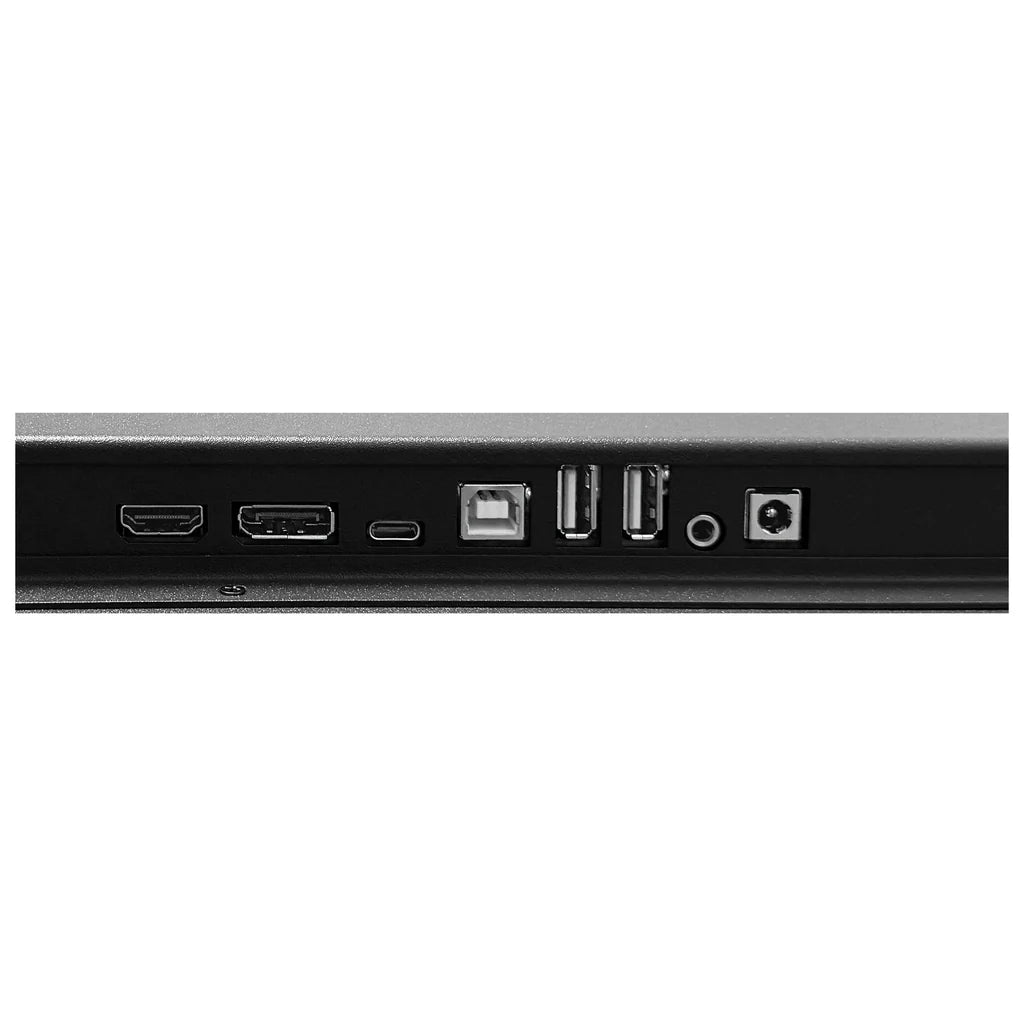
| Video Inputs | HDMI, DisplayPort (see spec sheet for full I/O) |
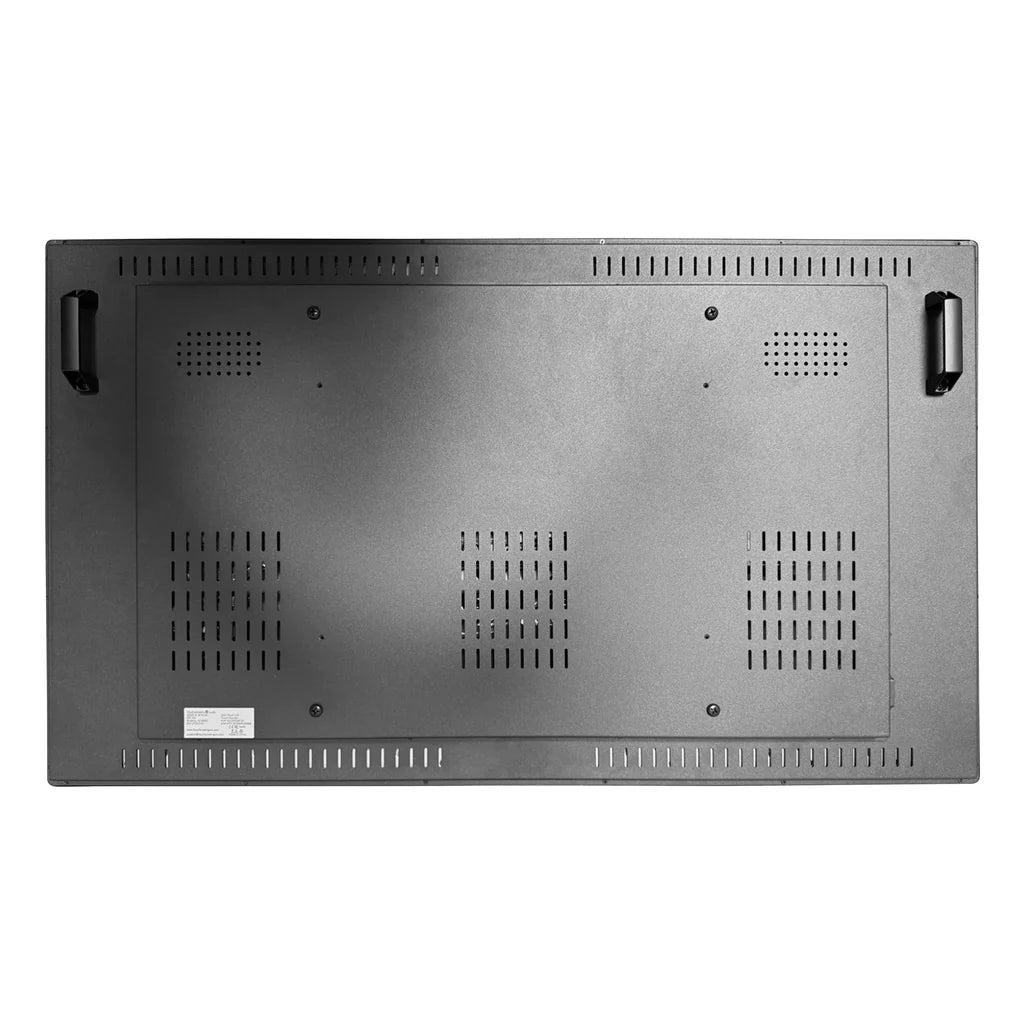
| VESA Mount | Compatible (see spec sheet for pattern) |
| Power | 100–240V AC/DC |
| Warranty | 2 Years with Advanced Replacement |
What's Included
- TouchScreen Guru Ultra-Series 43" 4K Touch Monitor
- Power Supply
- USB Touch Cable
- HDMI Video Cable
- VESA Mounting Screws
What's NOT Included
- Simulator computer / PC
- Launch monitor
- Simulator software license
- Wall or arm mounting bracket (VESA compatible, sold separately)
- macOS driver (free download from TouchScreen Guru)
Placement & Installation Notes
- At 43", this monitor is most commonly wall-mounted or mounted to a dedicated stand facing the hitting area
- Can serve as primary display in projector-free setups, or as a side station for bays with a full projected screen
- Standard VESA rear mount pattern allows flexible positioning — confirm bracket compatibility before purchasing
- Connect via HDMI or DisplayPort for video; USB-B for touch input
Shipping & Returns
The TouchScreen Guru Ultra-Series 43" 4K Touch Monitor ships via ground carrier. Most orders process within 1–3 business days, with delivery in 3–7 business days depending on location.
Returns are accepted within 30 days of delivery for items in original, unopened condition. Contact Golf Sim Depot support before initiating a return. Opened items may be subject to a restocking fee. Damaged or installed monitors are not eligible for return.
Frequently Asked Questions
Why does the 43" have a 2-year warranty instead of 3?
The 27" and 32" models carry a 3-year warranty, while the 43", 55", and 65" models come with a 2-year warranty with advanced replacement — which is still an industry-leading coverage level for commercial displays of this size. TouchScreen Guru stands behind all models.
Can this be the only screen in my simulator setup?
Yes. At 43", this can absolutely serve as a standalone primary display for simulator software — especially for setups in smaller rooms where a projector isn't feasible. The 4K resolution and 700+ nit brightness ensure the image is vivid and detailed even from several feet away.
How does 700 nits compare to smaller models?
The 27" and 32" Ultra-Series models offer 500+ nits — already excellent. The 43", 55", and 65" step up to 700+ nits, which makes a meaningful difference in brighter commercial environments or rooms with overhead lighting. If your bay is well-lit, the 43" is the better choice over a smaller model.
Is this touch-capable at distance, or do I have to walk up to it?
The 43" is a touch monitor, so direct physical contact with the screen is required for interaction. However, at this size it's easy to reach from a standing position nearby. Many operators mount it within a few steps of the hitting mat.
What kind of mount do I need?
You'll need a VESA-compatible bracket rated for the weight of the monitor. Confirm the specific VESA pattern from the spec sheet before purchasing a mount. Tilting or articulating arm mounts work well for angled bays.
Is this compatible with all simulator software?
Yes — it integrates with TrackMan, SkyTrak, Foresight Sports, TruGolf, Uneekor, FlightScope, Full Swing, aboutGOLF, Golfzon, GSPro, and all other major Windows-based platforms. On Windows, it's plug-and-play. macOS requires a free driver download.
Choose options


